
Video library
GoHighLevel Getting Started Tutorials
These tutorials cover the first things you set up in a GoHighLevel account. You learn user permissions and assigned data, how to add your own templates to the Template Library, custom menu links, URL redirects, and Google My Business chat. Start here if the dashboard is new to you. Each video is a short, single-task walkthrough you can finish in minutes.
Updated June 2, 2026
All Getting Started & General tutorials
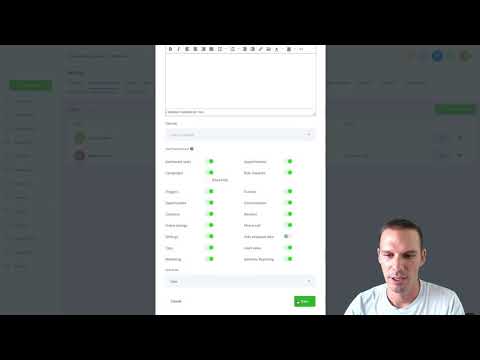 4:05User Permissions and Assigned Data in GoHighLevel13K views
 3:59How to Use URL Redirects with Wildcards in GoHighLevel9.2K views
 1:21How to Activate Google Business Profile Chat in GoHighLevel8K views
 7:43How to Add Custom Templates to the GoHighLevel Template Library7.4K views
 1:40Dynamic Keyword Insertion via URL Parameters in GoHighLevel7.2K views
 4:04How to Add a Custom Menu Link in GoHighLevel5.4K views
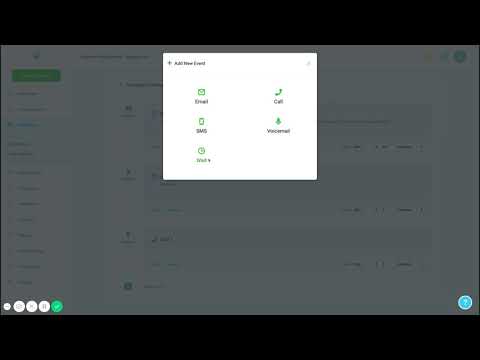 8:07Creating Your First Campaign in GoHighLevel3.3K views
 7:38Build a Support Ticketing System Inside GoHighLevel1.6K views
 10:48AI Outbound Calling Compliance Setup in GoHighLevel1.4K views
 3:44Build an Automated Marketing Scorecard in GoHighLevel1.4K views
 5:27How to Set Up Conversation SLAs in GoHighLevel1.3K views
 3:41How to Use Tables in GoHighLevel AI Knowledge Bases1.3K views
 5:35How to Send Gift Cards in GoHighLevel1.2K views
 2:56How to Run a Referral Program in GoHighLevel1.2K views
 4:19How to Sell Gift Cards in GoHighLevel1.1K views
 2:22How to Use Element Templates in GoHighLevel Page Builder988 views
 4:06How to Create and Share Public Documents and Contracts in GoHighLevel884 views
 4:09How to Centralize Task Management in GoHighLevel862 views
 2:23How to Use Custom Object Associations in GoHighLevel862 views
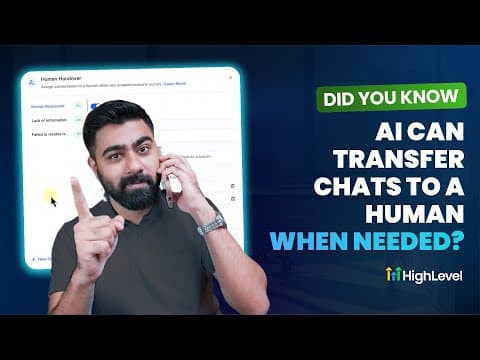 6:39How to Set Up AI Chat Human Handover in GoHighLevel817 views
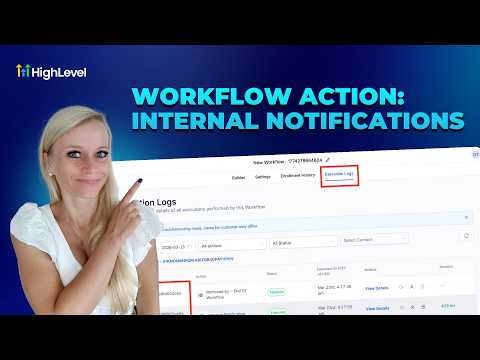 10:28How to Set Up Internal Notifications in GoHighLevel Workflows794 views
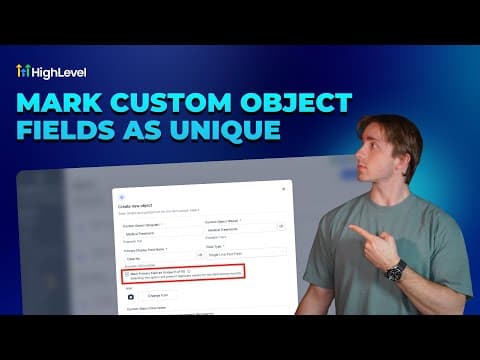 4:41How to Use Unique Fields in GoHighLevel Custom Objects746 views
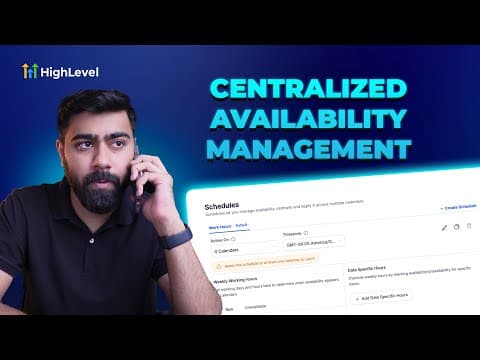 5:22How to Centralize Staff Scheduling in GoHighLevel746 views
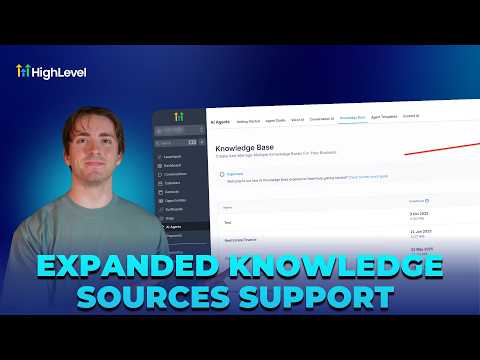 4:03How to Build Effective AI Knowledge Bases in GoHighLevel740 views
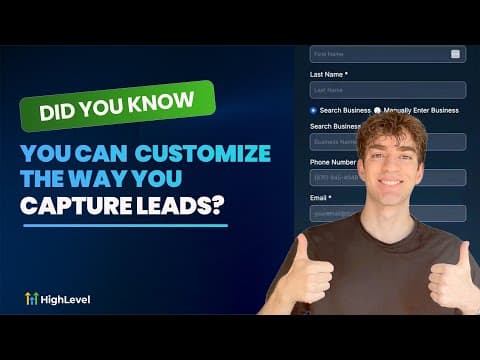 2:05Customize Lead Capture Forms with GoHighLevel Prospecting Widgets716 views
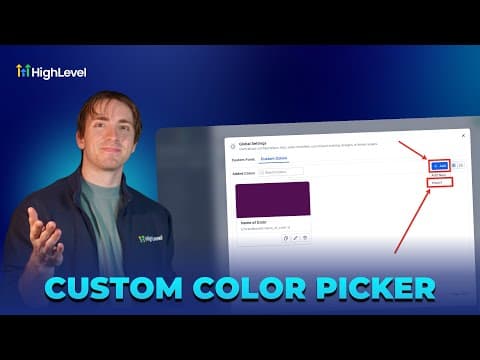 2:47How to Create and Manage Global Custom Colors in GoHighLevel700 views
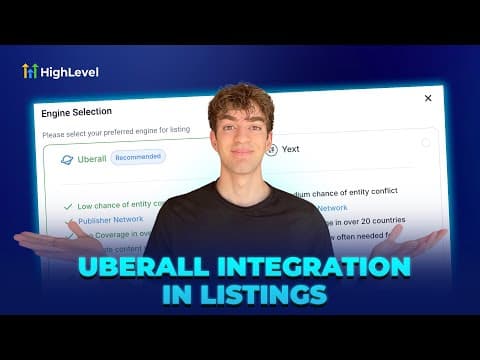 1:50How to Set Up Uberall in GoHighLevel for Business Listings Management700 views
 3:45How to Edit Images Directly in GoHighLevel's Media Library697 views
 2:27Build and Sell Online Courses Directly Inside GoHighLevel664 views
 1:37How to Change Languages in the GoHighLevel Client Portal643 views
 1:38How GoHighLevel Makes AI Affordable in Workflows611 views
 1:45Get GoHighLevel Certified and Earn Clients as a Certified Admin605 views
 3:19How to Clone Elements and Slides in GoHighLevel Forms, Surveys, and Quizzes603 views
 3:53How to Change Voice AI Agent Voices in GoHighLevel596 views
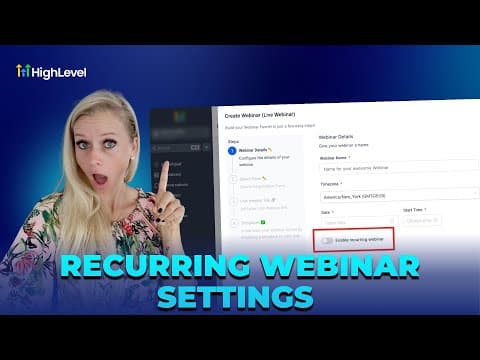 4:09How to Set Up Recurring Webinars in GoHighLevel591 views
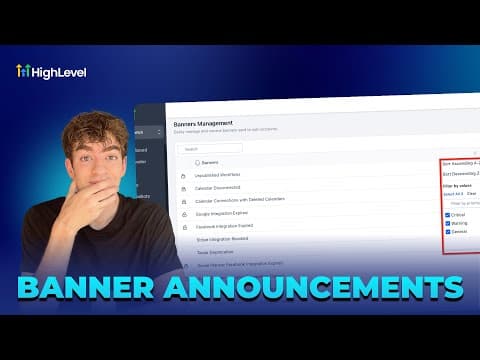 1:18How to Control In-App Banners in GoHighLevel575 views
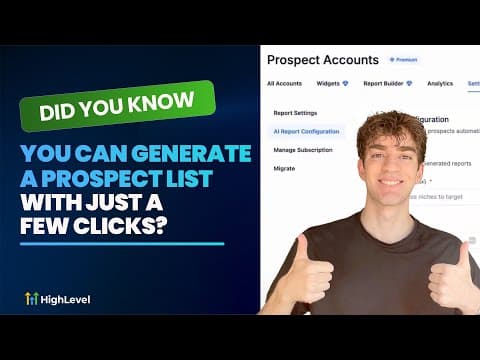 1:27Generate a Prospect List in GoHighLevel with AI Lead Builder551 views
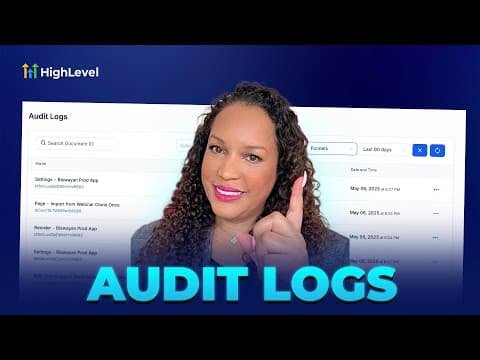 2:02How to Use Audit Logs to Monitor User Actions in GoHighLevel551 views
 2:45Auto Assign Leads in GoHighLevel Using Workflows544 views
 5:44Manual and Smart Collections in GoHighLevel Ecommerce Stores532 views
 5:05How to Set Up a Recurring Countdown Timer in GoHighLevel494 views
 3:09How to Manage Notes in GoHighLevel for Contacts, Companies, and Opportunities471 views
 5:24Schedule Google Business Profile Posts with GoHighLevel Social Planner442 views
 2:06Build a Relational Database in GoHighLevel with Custom Objects430 views
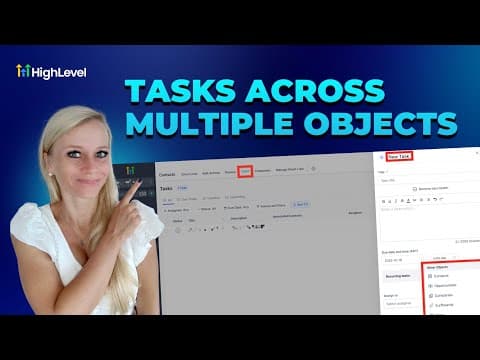 5:04Associate Multiple Objects to Tasks in GoHighLevel430 views
 1:53Set and Enforce Lead Response SLAs in GoHighLevel427 views
 1:29Run Private Client Communities in GoHighLevel Memberships405 views
 4:34How to Configure Taxes and Service Fees in GoHighLevel367 views
 2:08Boost Your Google Business Profile Inside GoHighLevel367 views
 2:04Send Legally Binding E-Signatures Inside GoHighLevel360 views
 2:34How to Use GoHighLevel Brand Voice for Content Creation353 views
 2:01Launch a Website Fast with GoHighLevel's Template Library340 views
 2:28Customize Marketing Audit Reports to Match Your Brand in GoHighLevel328 views
 2:47Set Up One-Click Upsells in GoHighLevel325 views
 3:09Use Bulk Actions on the GoHighLevel Product Page325 views
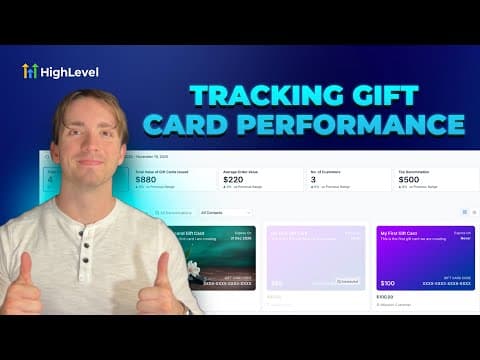 4:11Track Gift Card Performance Analytics in GoHighLevel324 views
 4:09Create a Brand Board in GoHighLevel for Consistent Branding316 views
 3:51Track and Improve Your Business Profile Health Score in GoHighLevel311 views
 3:01How to Use Version History and Auto-Save in GoHighLevel302 views
 2:46Associate Notes with Custom Objects in GoHighLevel293 views
 1:30How to Use Geographic Analytics in GoHighLevel288 views
 3:31How to Set Up Shipping Profiles and Zones in GoHighLevel280 views
 4:16How to Use Bulk Actions for Product Management in GoHighLevel278 views
 2:14Track Your Best Prospecting Sources in GoHighLevel270 views
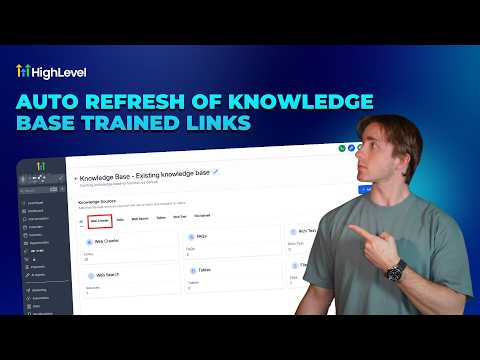 2:18How to Enable Auto Refresh for Knowledge Base Links in GoHighLevel268 views
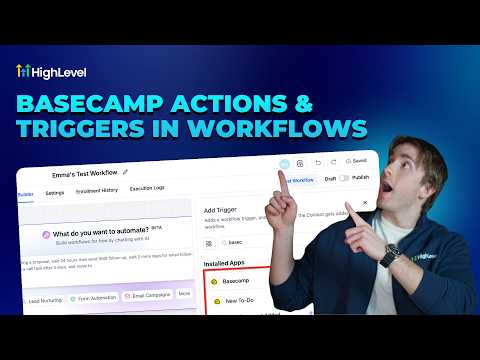 4:45How to Use Basecamp and GoHighLevel Together for Project Management259 views
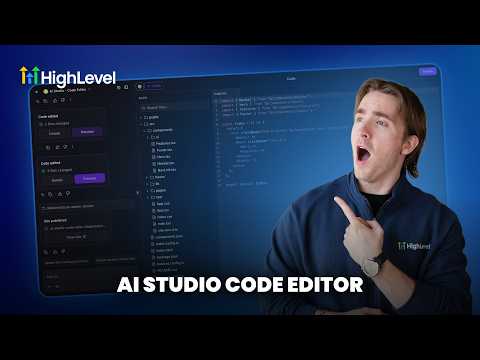 2:34How to Make Manual Code Edits in GoHighLevel's Vibe Code Editor239 views
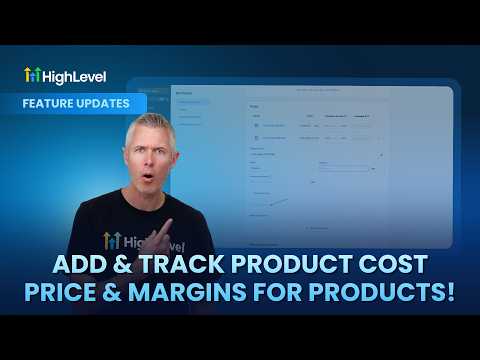 1:33Add and Track Product Cost, Price, and Margins in GoHighLevel197 views
 2:37How to Set Up ACH Transfers with NMI in GoHighLevel191 views
 1:57How to Host Paid Communities Directly in GoHighLevel167 views
 2:09How to Add Taxes to Rental Listings in GoHighLevel147 views
 1:22How to Filter Media by File Type in GoHighLevel134 views
 3:28How to Track SLA Performance in GoHighLevel's CRM133 views
 2:33How to Optimize Product Media Layouts in GoHighLevel116 views
 2:33How to Track Product Margins in GoHighLevel for Ecommerce103 views
Related topics
- Domains & SetupConnect domains the right way: root and sub-domains, WWW forwarding, Cloudflare page rules, and a dedicated IP address.
- CRM, Contacts & Lead GenRun the CRM: tags, custom fields, inbound webhooks, owners, smart lists, and opportunities across your pipelines.
- Workflows & AutomationBuild workflows from triggers and actions: spam management, Facebook and Instagram automation, the chat widget, and conversions back to the ads platform.
Questions people ask
What should I set up first in GoHighLevel?
Set user permissions, add your branding, then save your first templates to the library.
How do user permissions work in GoHighLevel?
Each user gets a role, and assigned data limits what records that user can see.
Can I add my own templates to GoHighLevel?
Yes. You save emails, funnels, and snapshots to the Template Library for reuse across accounts.
What is a custom menu link?
A custom menu link adds your own page or tool to the left sidebar menu.