Getting Started & General
How to Sell Gift Cards in GoHighLevel
By Marnix Geerkens. Published 2025-11-21. Updated 2026-06-02.
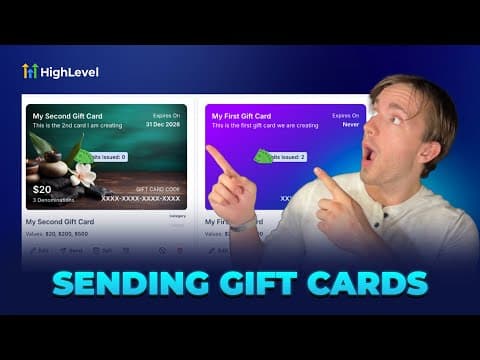
GoHighLevel lets you create branded digital gift cards and sell them directly to customers through a hosted checkout link or an embeddable widget. Set denominations, add custom artwork, configure inventory limits and taxes, then share the purchase link anywhere. Buyers receive their code by email or SMS after checkout.
Watch it, then build it
Get the full platform free for 30 days
That walkthrough runs on GoHighLevel. Start it free through RocketLauncher and you get 30 days instead of the usual 14, the whole platform unlocked, plus our setup help and a community of thousands of builders in 47+ countries.
30 days, not 14Full platform, nothing held backFree community and setup help
We earn a referral commission if you keep GoHighLevel after the trial. It never changes your price.
Summary. GoHighLevel's gift card builder walks through four steps: name and description, custom artwork (upload or gradient), denomination and inventory settings, and a final preview before publishing. Once published, the card can be sold via a shareable checkout link, an embed code on your site, or sent directly to a contact. The platform handles code generation and delivery automatically.
Related tutorials
Watch it, then build it
Get the full platform free for 30 days
30 days, not 14Full platform, nothing held backFree community and setup help
Frequently asked questions
Where do I create a gift card in GoHighLevel?
Go to Payments, then select Gift Cards in the top-right tab.
What image size works for custom gift card artwork?
Upload artwork at 800 by 400 pixels for the best result.
Can I limit how many gift cards are sold?
Yes, set a quantity limit in the denominations and inventory step.