Getting Started & General

How to Sell Gift Cards in GoHighLevel

GoHighLevel lets you create branded digital gift cards and sell them directly to customers through a hosted checkout link or an embeddable widget. Set denominations, add custom artwork, configure inventory limits and taxes, then share the purchase link anywhere. Buyers receive their code by email or SMS after checkout.

Actualizado el 2 de junio de 2026

4:19

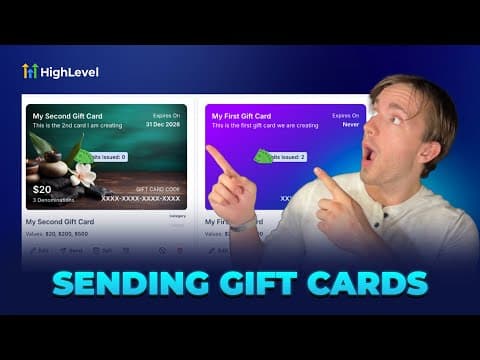
Resumen. GoHighLevel's gift card builder walks through four steps: name and description, custom artwork (upload or gradient), denomination and inventory settings, and a final preview before publishing. Once published, the card can be sold via a shareable checkout link, an embed code on your site, or sent directly to a contact. The platform handles code generation and delivery automatically.

Preguntas frecuentes

Where do I create a gift card in GoHighLevel?

Go to Payments, then select Gift Cards in the top-right tab.

What image size works for custom gift card artwork?

Upload artwork at 800 by 400 pixels for the best result.

Can I limit how many gift cards are sold?

Yes, set a quantity limit in the denominations and inventory step.

Constrúyelo con gente que ya lo hizo.

Únete a la comunidad gratis: llamadas en vivo cada semana, un curso para empezar y gente que construye en tu idioma.

Únete gratis en Skool