
Biblioteca de vídeos
GoHighLevel Getting Started Tutorials
These tutorials cover the first things you set up in a GoHighLevel account. You learn user permissions and assigned data, how to add your own templates to the Template Library, custom menu links, URL redirects, and Google My Business chat. Start here if the dashboard is new to you. Each video is a short, single-task walkthrough you can finish in minutes.
Actualizado el 2 de junio de 2026
Todos los tutoriales de Getting Started & General
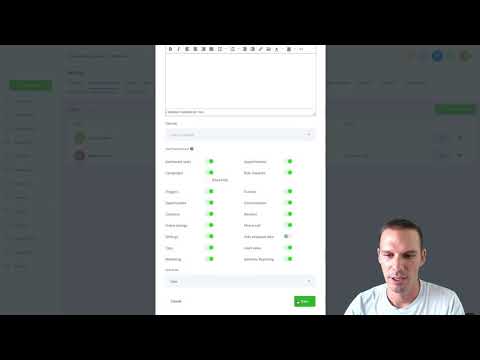 4:05User Permissions and Assigned Data in GoHighLevel13 mil visualizaciones
 3:59How to Use URL Redirects with Wildcards in GoHighLevel9,2 mil visualizaciones
 1:21How to Activate Google Business Profile Chat in GoHighLevel8 mil visualizaciones
 7:43How to Add Custom Templates to the GoHighLevel Template Library7,4 mil visualizaciones
 1:40Dynamic Keyword Insertion via URL Parameters in GoHighLevel7,2 mil visualizaciones
 4:04How to Add a Custom Menu Link in GoHighLevel5,4 mil visualizaciones
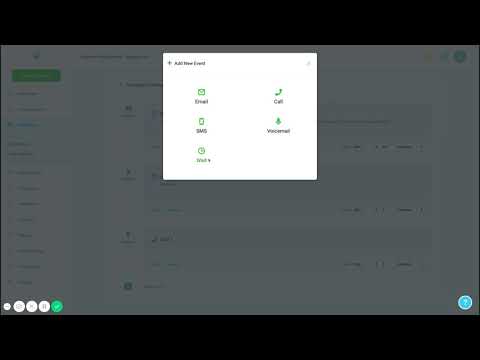 8:07Creating Your First Campaign in GoHighLevel3,3 mil visualizaciones
 7:38Build a Support Ticketing System Inside GoHighLevel1,6 mil visualizaciones
 10:48AI Outbound Calling Compliance Setup in GoHighLevel1,4 mil visualizaciones
 3:44Build an Automated Marketing Scorecard in GoHighLevel1,4 mil visualizaciones
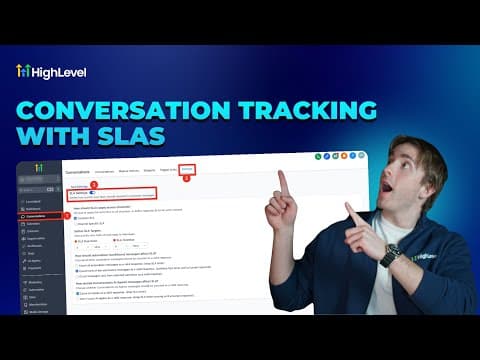 5:27How to Set Up Conversation SLAs in GoHighLevel1,3 mil visualizaciones
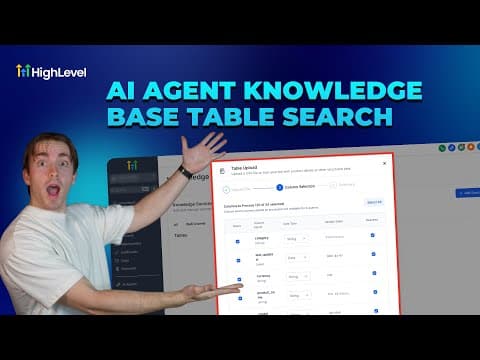 3:41How to Use Tables in GoHighLevel AI Knowledge Bases1,3 mil visualizaciones
 5:35How to Send Gift Cards in GoHighLevel1,2 mil visualizaciones
 2:56How to Run a Referral Program in GoHighLevel1,2 mil visualizaciones
 4:19How to Sell Gift Cards in GoHighLevel1,1 mil visualizaciones
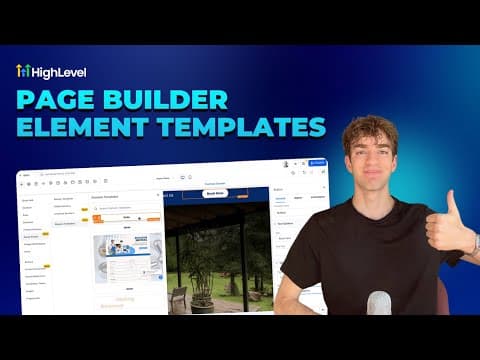 2:22How to Use Element Templates in GoHighLevel Page Builder988 visualizaciones
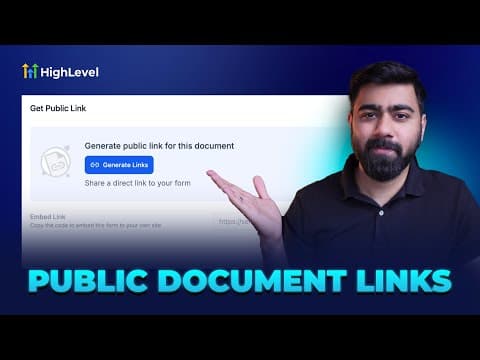 4:06How to Create and Share Public Documents and Contracts in GoHighLevel884 visualizaciones
 4:09How to Centralize Task Management in GoHighLevel862 visualizaciones
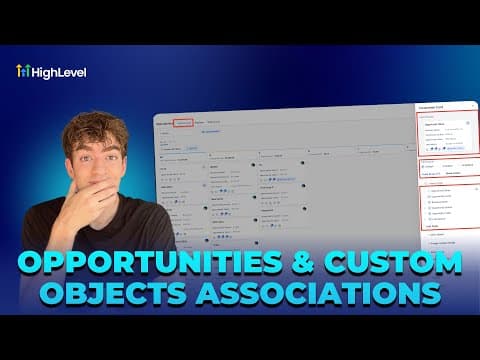 2:23How to Use Custom Object Associations in GoHighLevel862 visualizaciones
 6:39How to Set Up AI Chat Human Handover in GoHighLevel817 visualizaciones
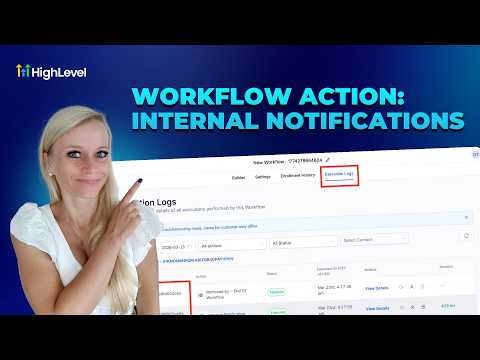 10:28How to Set Up Internal Notifications in GoHighLevel Workflows794 visualizaciones
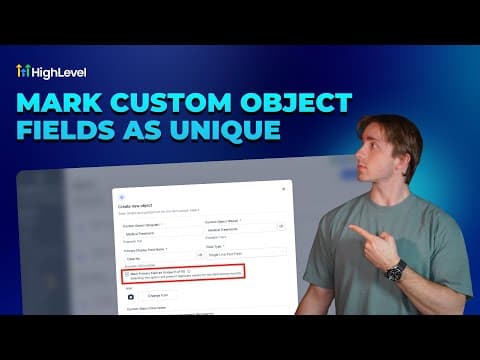 4:41How to Use Unique Fields in GoHighLevel Custom Objects746 visualizaciones
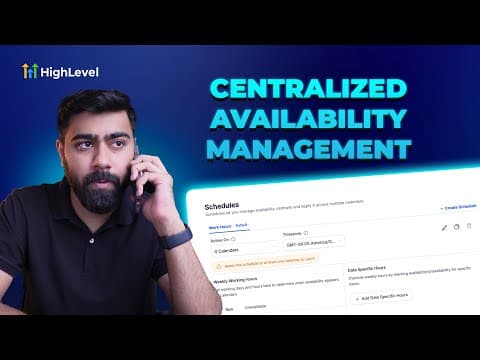 5:22How to Centralize Staff Scheduling in GoHighLevel746 visualizaciones
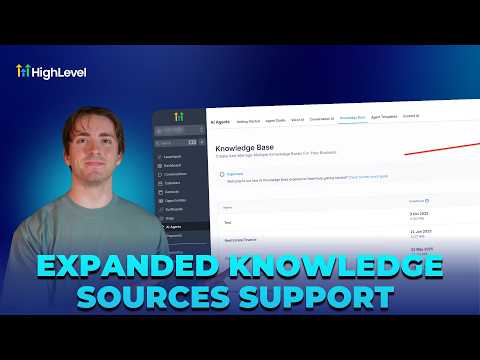 4:03How to Build Effective AI Knowledge Bases in GoHighLevel740 visualizaciones
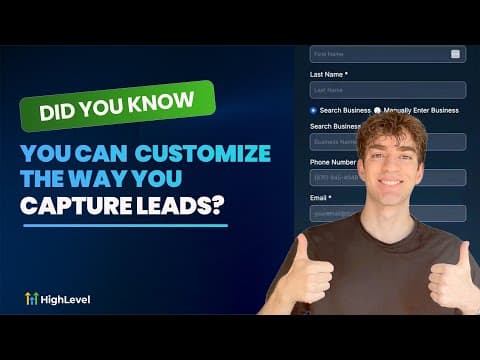 2:05Customize Lead Capture Forms with GoHighLevel Prospecting Widgets716 visualizaciones
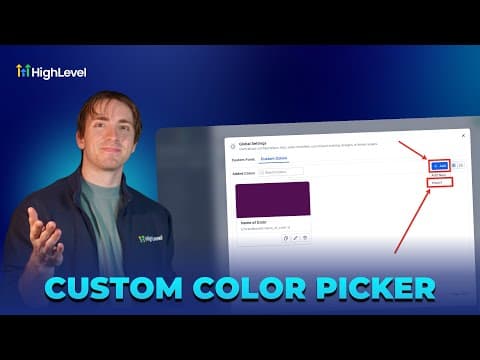 2:47How to Create and Manage Global Custom Colors in GoHighLevel700 visualizaciones
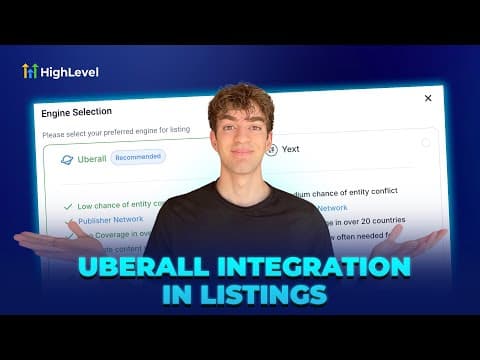 1:50How to Set Up Uberall in GoHighLevel for Business Listings Management700 visualizaciones
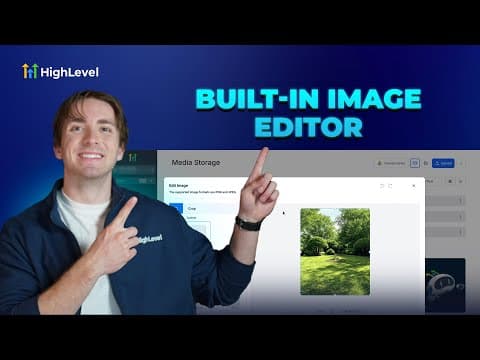 3:45How to Edit Images Directly in GoHighLevel's Media Library697 visualizaciones
 2:27Build and Sell Online Courses Directly Inside GoHighLevel664 visualizaciones
 1:37How to Change Languages in the GoHighLevel Client Portal643 visualizaciones
 1:38How GoHighLevel Makes AI Affordable in Workflows611 visualizaciones
 1:45Get GoHighLevel Certified and Earn Clients as a Certified Admin605 visualizaciones
 3:19How to Clone Elements and Slides in GoHighLevel Forms, Surveys, and Quizzes603 visualizaciones
 3:53How to Change Voice AI Agent Voices in GoHighLevel596 visualizaciones
 4:09How to Set Up Recurring Webinars in GoHighLevel591 visualizaciones
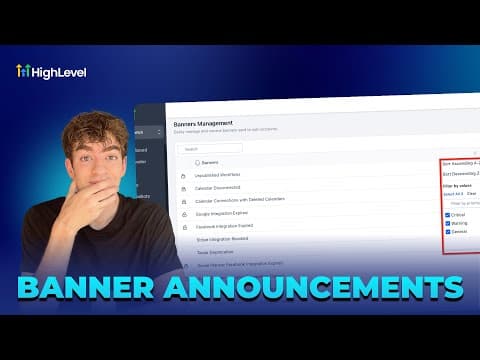 1:18How to Control In-App Banners in GoHighLevel575 visualizaciones
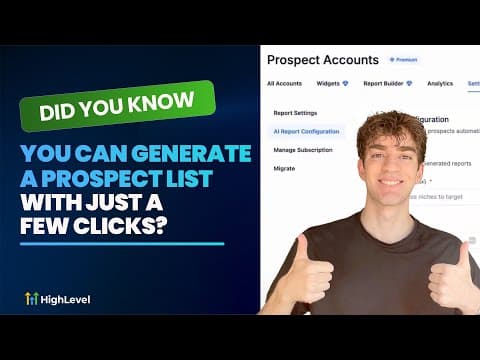 1:27Generate a Prospect List in GoHighLevel with AI Lead Builder551 visualizaciones
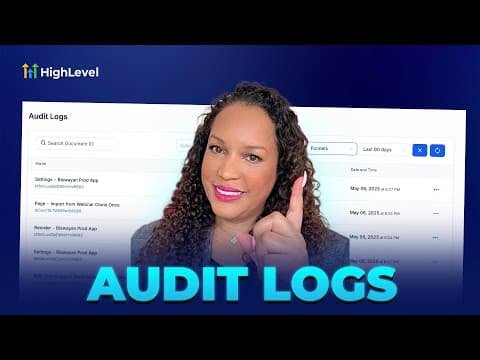 2:02How to Use Audit Logs to Monitor User Actions in GoHighLevel551 visualizaciones
 2:45Auto Assign Leads in GoHighLevel Using Workflows544 visualizaciones
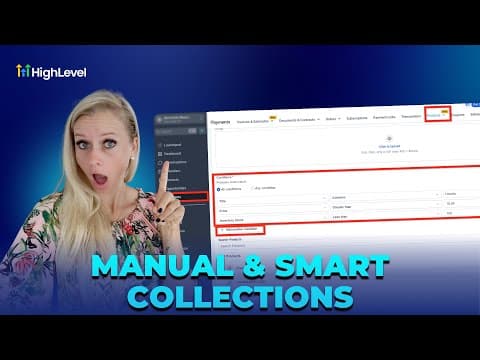 5:44Manual and Smart Collections in GoHighLevel Ecommerce Stores532 visualizaciones
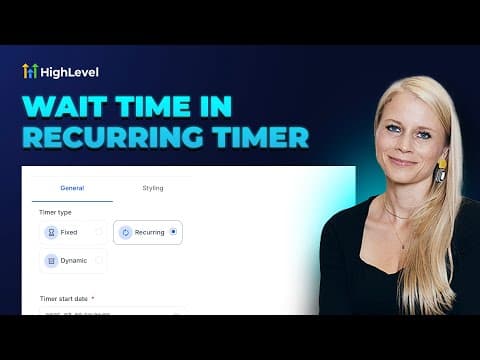 5:05How to Set Up a Recurring Countdown Timer in GoHighLevel494 visualizaciones
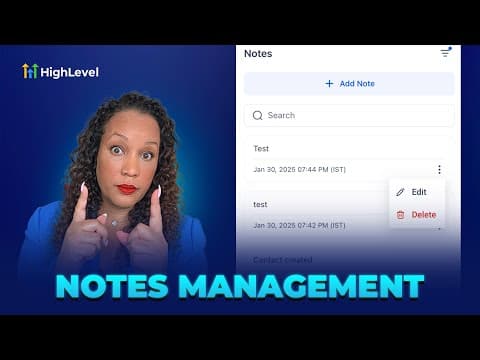 3:09How to Manage Notes in GoHighLevel for Contacts, Companies, and Opportunities471 visualizaciones
 5:24Schedule Google Business Profile Posts with GoHighLevel Social Planner442 visualizaciones
 2:06Build a Relational Database in GoHighLevel with Custom Objects430 visualizaciones
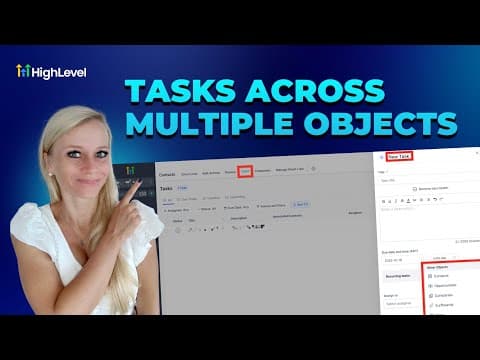 5:04Associate Multiple Objects to Tasks in GoHighLevel430 visualizaciones
 1:53Set and Enforce Lead Response SLAs in GoHighLevel427 visualizaciones
 1:29Run Private Client Communities in GoHighLevel Memberships405 visualizaciones
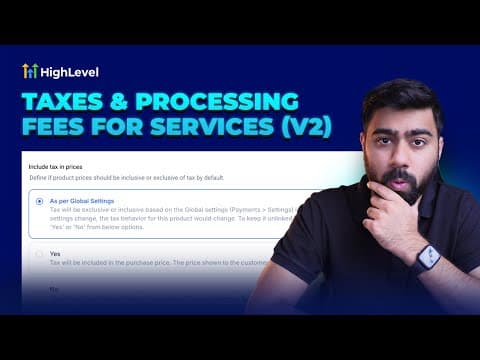 4:34How to Configure Taxes and Service Fees in GoHighLevel367 visualizaciones
 2:08Boost Your Google Business Profile Inside GoHighLevel367 visualizaciones
 2:04Send Legally Binding E-Signatures Inside GoHighLevel360 visualizaciones
 2:34How to Use GoHighLevel Brand Voice for Content Creation353 visualizaciones
 2:01Launch a Website Fast with GoHighLevel's Template Library340 visualizaciones
 2:28Customize Marketing Audit Reports to Match Your Brand in GoHighLevel328 visualizaciones
 2:47Set Up One-Click Upsells in GoHighLevel325 visualizaciones
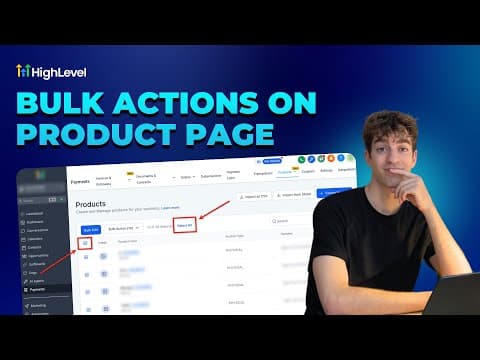 3:09Use Bulk Actions on the GoHighLevel Product Page325 visualizaciones
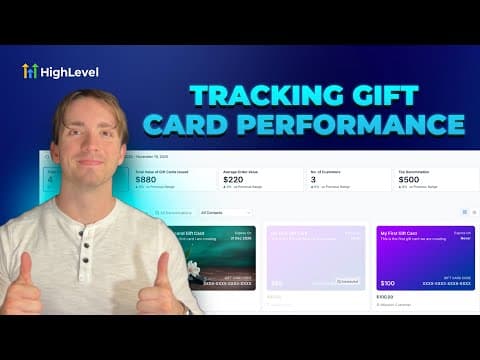 4:11Track Gift Card Performance Analytics in GoHighLevel324 visualizaciones
 4:09Create a Brand Board in GoHighLevel for Consistent Branding316 visualizaciones
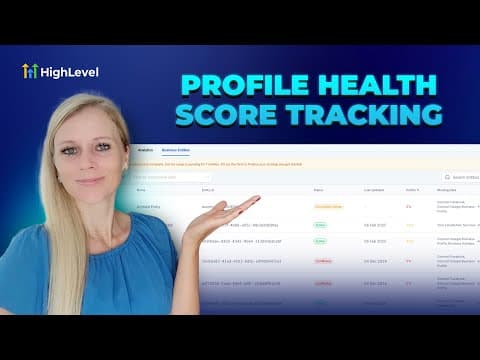 3:51Track and Improve Your Business Profile Health Score in GoHighLevel311 visualizaciones
 3:01How to Use Version History and Auto-Save in GoHighLevel302 visualizaciones
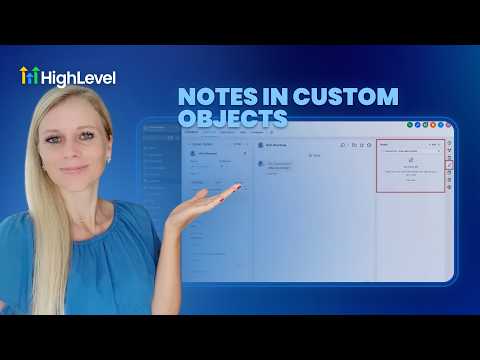 2:46Associate Notes with Custom Objects in GoHighLevel293 visualizaciones
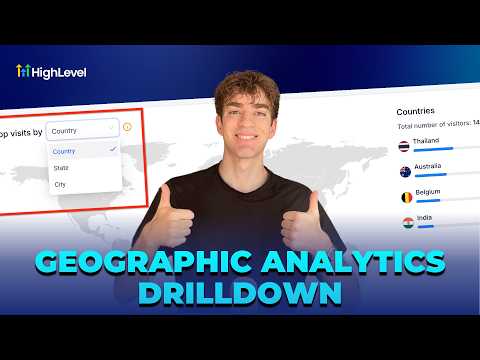 1:30How to Use Geographic Analytics in GoHighLevel288 visualizaciones
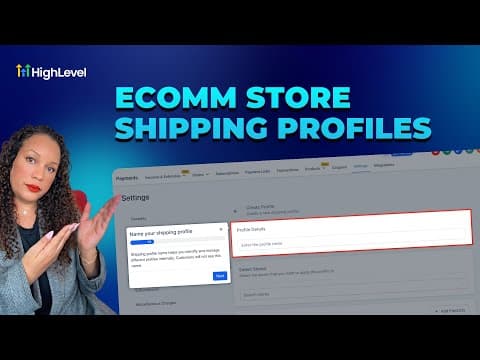 3:31How to Set Up Shipping Profiles and Zones in GoHighLevel280 visualizaciones
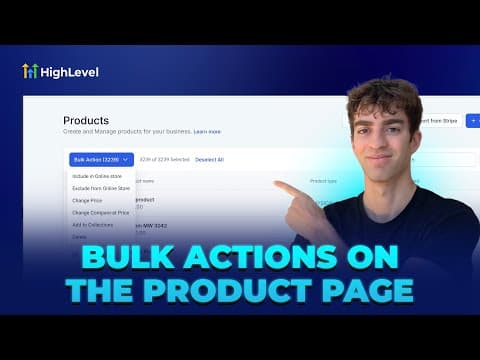 4:16How to Use Bulk Actions for Product Management in GoHighLevel278 visualizaciones
 2:14Track Your Best Prospecting Sources in GoHighLevel270 visualizaciones
 2:18How to Enable Auto Refresh for Knowledge Base Links in GoHighLevel268 visualizaciones
 4:45How to Use Basecamp and GoHighLevel Together for Project Management259 visualizaciones
 2:34How to Make Manual Code Edits in GoHighLevel's Vibe Code Editor239 visualizaciones
 1:33Add and Track Product Cost, Price, and Margins in GoHighLevel197 visualizaciones
 2:37How to Set Up ACH Transfers with NMI in GoHighLevel191 visualizaciones
 1:57How to Host Paid Communities Directly in GoHighLevel167 visualizaciones
 2:09How to Add Taxes to Rental Listings in GoHighLevel147 visualizaciones
 1:22How to Filter Media by File Type in GoHighLevel134 visualizaciones
 3:28How to Track SLA Performance in GoHighLevel's CRM133 visualizaciones
 2:33How to Optimize Product Media Layouts in GoHighLevel116 visualizaciones
 2:33How to Track Product Margins in GoHighLevel for Ecommerce103 visualizaciones
Temas relacionados
- Domains & SetupConnect domains the right way: root and sub-domains, WWW forwarding, Cloudflare page rules, and a dedicated IP address.
- CRM, Contacts & Lead GenRun the CRM: tags, custom fields, inbound webhooks, owners, smart lists, and opportunities across your pipelines.
- Workflows & AutomationBuild workflows from triggers and actions: spam management, Facebook and Instagram automation, the chat widget, and conversions back to the ads platform.
Preguntas frecuentes
What should I set up first in GoHighLevel?
Set user permissions, add your branding, then save your first templates to the library.
How do user permissions work in GoHighLevel?
Each user gets a role, and assigned data limits what records that user can see.
Can I add my own templates to GoHighLevel?
Yes. You save emails, funnels, and snapshots to the Template Library for reuse across accounts.
What is a custom menu link?
A custom menu link adds your own page or tool to the left sidebar menu.