Getting Started & General

AI Outbound Calling Compliance Setup in GoHighLevel

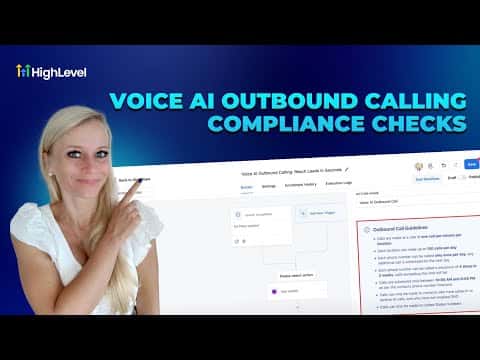
GoHighLevel's AI outbound calling compliance feature checks every location, phone number, and contact before placing an automated call. To activate it, enable outbound calls inside Voice AI settings, complete a KYC identity verification, update your opt-in forms with legally required consent language, and then create your AI agent. The platform rejects any call that does not meet the configured rules.

Actualizado el 2 de junio de 2026

10:48

Resumen. GoHighLevel includes a built-in compliance layer for AI-powered outbound calls that validates consent, respects do-not-disturb settings, and enforces rate limits before any call is placed. Setup involves enabling the feature, verifying your identity through a document and selfie check, scanning existing forms for missing consent language, and updating those forms in bulk. Only contacts who have given valid opt-in consent will be called by the AI agent.

Preguntas frecuentes

Where do I enable AI outbound calling in GoHighLevel?

AI Agents > Voice AI > Agent List, then click 'Enable Outbound Calls'.

What is the KYC check and why is it required?

Know Your Customer identity verification confirms who is placing the calls before the feature is unlocked.

What consent language must opt-in forms include?

A statement agreeing to receive automated or AI-voiced calls, an opt-out disclosure, and marketing consent.

Constrúyelo con gente que ya lo hizo.

Únete a la comunidad gratis: llamadas en vivo cada semana, un curso para empezar y gente que construye en tu idioma.

Únete gratis en Skool