Getting Started & General

AI Outbound Calling Compliance Setup in GoHighLevel

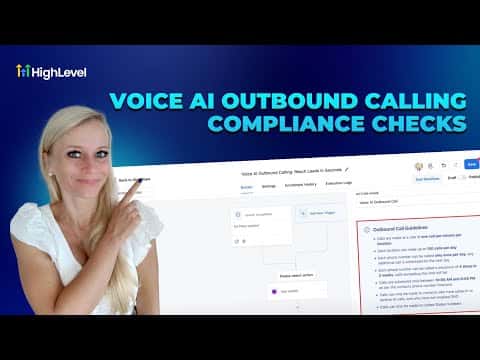
GoHighLevel's AI outbound calling compliance feature checks every location, phone number, and contact before placing an automated call. To activate it, enable outbound calls inside Voice AI settings, complete a KYC identity verification, update your opt-in forms with legally required consent language, and then create your AI agent. The platform rejects any call that does not meet the configured rules.

2026年6月2日に更新

10:48

概要. GoHighLevel includes a built-in compliance layer for AI-powered outbound calls that validates consent, respects do-not-disturb settings, and enforces rate limits before any call is placed. Setup involves enabling the feature, verifying your identity through a document and selfie check, scanning existing forms for missing consent language, and updating those forms in bulk. Only contacts who have given valid opt-in consent will be called by the AI agent.

よくある質問

Where do I enable AI outbound calling in GoHighLevel?

AI Agents > Voice AI > Agent List, then click 'Enable Outbound Calls'.

What is the KYC check and why is it required?

Know Your Customer identity verification confirms who is placing the calls before the feature is unlocked.

What consent language must opt-in forms include?

A statement agreeing to receive automated or AI-voiced calls, an opt-out disclosure, and marketing consent.

すでに作った人たちと、一緒に作ろう。

無料コミュニティに参加しましょう。毎週のライブ通話、最初に見るコース、あなたの言語のビルダーがいます。

Skoolに無料で参加