Getting Started & General

How to Track SLA Performance in GoHighLevel's CRM

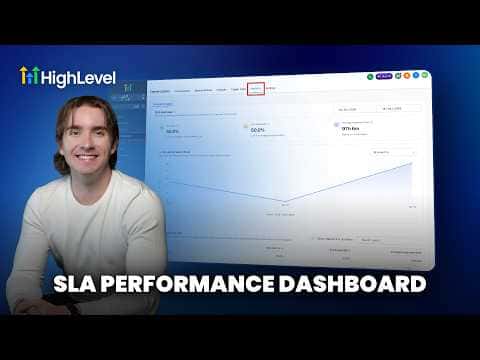
GoHighLevel's SLA analytics let you measure how quickly your team responds to contacts across every conversation channel. You set a time threshold per channel, and the platform tracks which messages were answered in time and which were not, giving you user-level and channel-level breakdowns so you can hold your team accountable.

Actualizado el 2 de junio de 2026

3:28

Resumen. GoHighLevel lets you define response-time thresholds for each conversation channel, then automatically tracks whether those targets are met or missed. The SLA Analytics tab shows met versus breached percentages, average response times, and trends over any date range you choose. You can also view performance broken down by individual team member and by channel, making it straightforward to spot where responses are lagging.

Preguntas frecuentes

Where do I turn on SLA tracking in GoHighLevel?

Go to Conversations, then Settings, and enable SLA configuration there.

Can I set different response-time limits for SMS versus email?

Yes. Choose channel-specific SLAs to assign separate thresholds per channel.

What does a breached SLA mean?

A message was not answered within the time window you defined for that channel.

Constrúyelo con gente que ya lo hizo.

Únete a la comunidad gratis: llamadas en vivo cada semana, un curso para empezar y gente que construye en tu idioma.

Únete gratis en Skool