Getting Started & General

How to Track SLA Performance in GoHighLevel's CRM

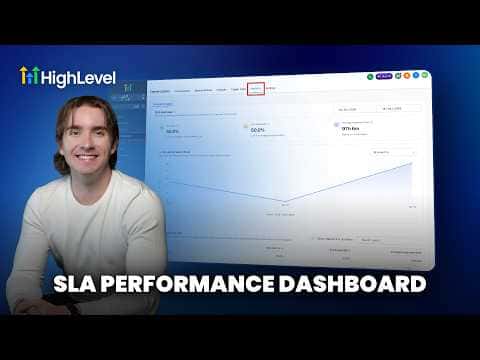
GoHighLevel's SLA analytics let you measure how quickly your team responds to contacts across every conversation channel. You set a time threshold per channel, and the platform tracks which messages were answered in time and which were not, giving you user-level and channel-level breakdowns so you can hold your team accountable.

2026年6月2日に更新

3:28

概要. GoHighLevel lets you define response-time thresholds for each conversation channel, then automatically tracks whether those targets are met or missed. The SLA Analytics tab shows met versus breached percentages, average response times, and trends over any date range you choose. You can also view performance broken down by individual team member and by channel, making it straightforward to spot where responses are lagging.

よくある質問

Where do I turn on SLA tracking in GoHighLevel?

Go to Conversations, then Settings, and enable SLA configuration there.

Can I set different response-time limits for SMS versus email?

Yes. Choose channel-specific SLAs to assign separate thresholds per channel.

What does a breached SLA mean?

A message was not answered within the time window you defined for that channel.

すでに作った人たちと、一緒に作ろう。

無料コミュニティに参加しましょう。毎週のライブ通話、最初に見るコース、あなたの言語のビルダーがいます。

Skoolに無料で参加