Getting Started & General

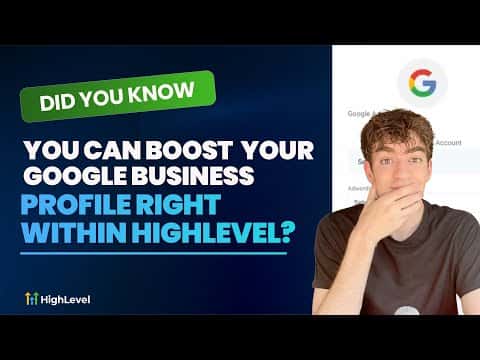
Boost Your Google Business Profile Inside GoHighLevel

GoHighLevel connects directly to your Google Business Profile so you can manage updates, respond to reviews, and improve your local visibility without leaving the platform. Instead of juggling a separate Google dashboard, you keep everything in one place. This matters because a complete, active Business Profile helps local customers find you faster and builds trust before they ever contact you.

Actualizado el 2 de junio de 2026

2:08

Resumen. GoHighLevel includes a built-in integration with Google Business Profile that lets you manage your listing, respond to reviews, and monitor local presence from inside your sub-account. This removes the need to switch between tools and keeps your local SEO work tied to the same CRM where your contacts and conversations live.

Preguntas frecuentes

Where do I find the Google Business Profile tools in GoHighLevel?

Navigate to Reputation on the left sidebar, then select Google Business Profile.

Can I respond to Google reviews from inside GoHighLevel?

Yes, review responses can be sent directly from the Reputation section.

Does this work without a separate Google account login?

You connect your Google account once during setup, then manage everything inside GoHighLevel.

Constrúyelo con gente que ya lo hizo.

Únete a la comunidad gratis: llamadas en vivo cada semana, un curso para empezar y gente que construye en tu idioma.

Únete gratis en Skool