Getting Started & General
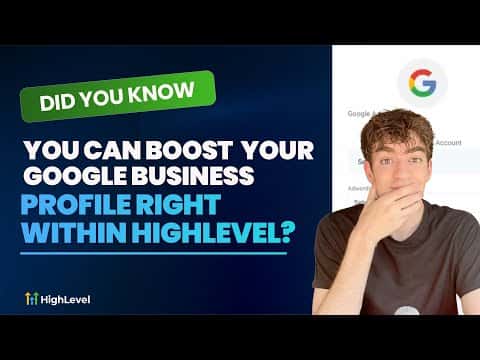
Boost Your Google Business Profile Inside GoHighLevel
By Marnix Geerkens. Published 2025-09-09. Updated 2026-06-02.
GoHighLevel connects directly to your Google Business Profile so you can manage updates, respond to reviews, and improve your local visibility without leaving the platform. Instead of juggling a separate Google dashboard, you keep everything in one place. This matters because a complete, active Business Profile helps local customers find you faster and builds trust before they ever contact you.
Watch it, then build it
Get the full platform free for 30 days
That walkthrough runs on GoHighLevel. Start it free through RocketLauncher and you get 30 days instead of the usual 14, the whole platform unlocked, plus our setup help and a community of thousands of builders in 47+ countries.
30 days, not 14Full platform, nothing held backFree community and setup help
We earn a referral commission if you keep GoHighLevel after the trial. It never changes your price.
Summary. GoHighLevel includes a built-in integration with Google Business Profile that lets you manage your listing, respond to reviews, and monitor local presence from inside your sub-account. This removes the need to switch between tools and keeps your local SEO work tied to the same CRM where your contacts and conversations live.
Related tutorials
Watch it, then build it
Get the full platform free for 30 days
30 days, not 14Full platform, nothing held backFree community and setup help
Frequently asked questions
Where do I find the Google Business Profile tools in GoHighLevel?
Navigate to Reputation on the left sidebar, then select Google Business Profile.
Can I respond to Google reviews from inside GoHighLevel?
Yes, review responses can be sent directly from the Reputation section.
Does this work without a separate Google account login?
You connect your Google account once during setup, then manage everything inside GoHighLevel.