Getting Started & General
How to Use GoHighLevel Brand Voice for Content Creation
By Marnix Geerkens. Published 2025-08-27. Updated 2026-06-02.
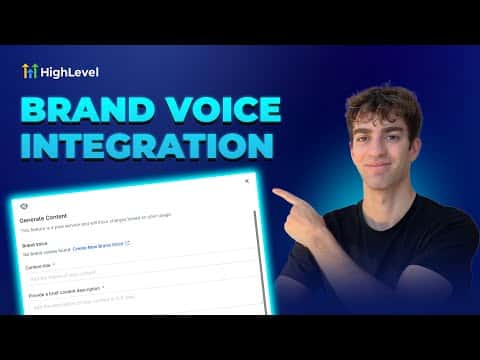
GoHighLevel's Brand Voice feature stores your business identity, tone, and messaging guidelines so the built-in AI generates content that matches your style. Once you create a brand voice, it is available across the social planner, email builder, funnel AI, and blog tools. You can build separate voices for different channels and switch between them at any time.
Watch it, then build it
Get the full platform free for 30 days
That walkthrough runs on GoHighLevel. Start it free through RocketLauncher and you get 30 days instead of the usual 14, the whole platform unlocked, plus our setup help and a community of thousands of builders in 47+ countries.
30 days, not 14Full platform, nothing held backFree community and setup help
We earn a referral commission if you keep GoHighLevel after the trial. It never changes your price.
Summary. GoHighLevel's Content AI includes a Brand Voice setting that captures your business personality, communication style, and market positioning. When toggled on, it guides the AI to produce posts, emails, and funnel copy that stays consistent with your identity across every tool in the platform.

Related tutorials
Watch it, then build it
Get the full platform free for 30 days
30 days, not 14Full platform, nothing held backFree community and setup help
Frequently asked questions
Where do I create a Brand Voice in GoHighLevel?
Go to any Content AI tool, click the AI button, and follow the prompt to create a brand voice.
Can I use a different Brand Voice for email versus social media?
Yes, you can create multiple voices and select the right one per tool.
What information goes into a Brand Voice?
It stores your business name, mission, tone, personality, and market positioning.