Getting Started & General

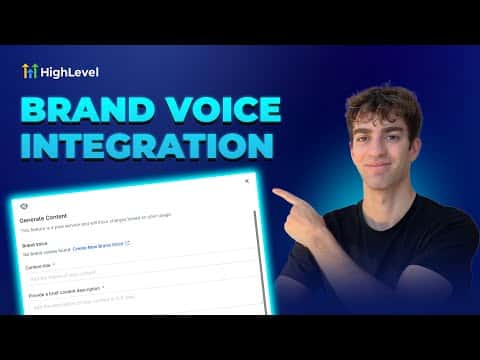
How to Use GoHighLevel Brand Voice for Content Creation

GoHighLevel's Brand Voice feature stores your business identity, tone, and messaging guidelines so the built-in AI generates content that matches your style. Once you create a brand voice, it is available across the social planner, email builder, funnel AI, and blog tools. You can build separate voices for different channels and switch between them at any time.

Atualizado em 2 de junho de 2026

2:34

Resumo. GoHighLevel's Content AI includes a Brand Voice setting that captures your business personality, communication style, and market positioning. When toggled on, it guides the AI to produce posts, emails, and funnel copy that stays consistent with your identity across every tool in the platform.

Perguntas frequentes

Where do I create a Brand Voice in GoHighLevel?

Go to any Content AI tool, click the AI button, and follow the prompt to create a brand voice.

Can I use a different Brand Voice for email versus social media?

Yes, you can create multiple voices and select the right one per tool.

What information goes into a Brand Voice?

It stores your business name, mission, tone, personality, and market positioning.

Crie com quem já criou.

Entre na comunidade gratuita: lives semanais, um curso para começar e criadores no seu idioma.

Entre de graça no Skool