 2:47
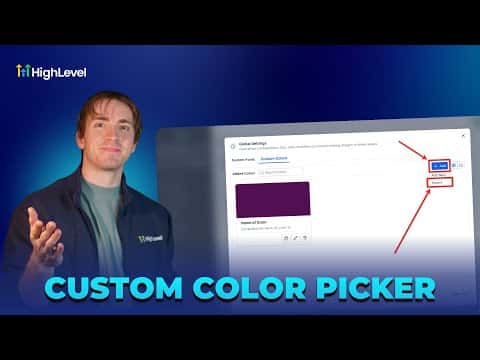
2:47Resumen. GoHighLevel's global custom colors feature lives inside Marketing under Brand Boards. Agencies can add colors manually using hex or RGB codes, import previously defined custom values, and filter the library by grid or list view. When a brand color changes, updating the global entry automatically refreshes every funnel, webinar, and template that references it.
Pasos
Open global custom colors
Go to Marketing, then Brand Boards, and click Global Settings in the top right. Select the Colors tab.
Add or import colors
Click Add, then choose Add New to pick a color via the color picker or paste a hex code. To bring in colors already saved as custom values, click Add then Import and confirm.
Use colors in your pages
Inside a funnel or website editor, open any background or color setting and select your saved global color from the picker. Updates to that color in Brand Boards will propagate automatically.