Getting Started & General

Add and Track Product Cost, Price, and Margins in GoHighLevel

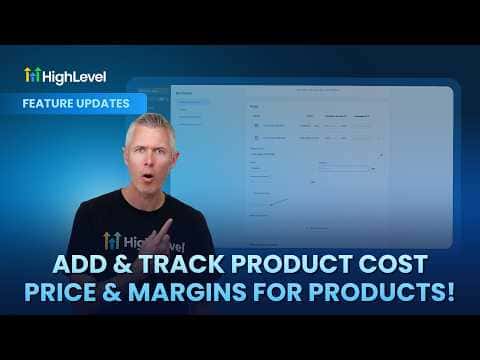
GoHighLevel now lets you record the cost of each product alongside its sale price so you can see your actual margin at the product and variant level. Open a product in the Products module, click Add Margin, and enter the cost. You can enter values as a dollar amount or a percentage. Once costs are recorded, GoHighLevel can surface margin data in reporting so you know exactly how much each sale puts in your pocket.

Actualizado el 2 de junio de 2026

1:33

Resumen. The cost and margin tracking feature in GoHighLevel's Products module lets you attach a cost figure to every product and product variant you sell. Enter costs as amounts or percentages depending on what is easiest for your business. With cost data in place, margin figures become available for reporting, giving you a clear view of profitability across your catalog rather than having to calculate it manually in a spreadsheet.


Preguntas frecuentes

Where do I add cost and margin data for a product in GoHighLevel?

Open the product in the Products module and click the Add Margin option.

Can I enter costs as a percentage instead of a dollar amount?

Yes. GoHighLevel accepts both dollar amounts and percentages for cost entry.

Does this work at the variant level, or only for the whole product?

Cost and margin tracking works at both the product level and the individual variant level.

Constrúyelo con gente que ya lo hizo.

Únete a la comunidad gratis: llamadas en vivo cada semana, un curso para empezar y gente que construye en tu idioma.

Únete gratis en Skool