Getting Started & General

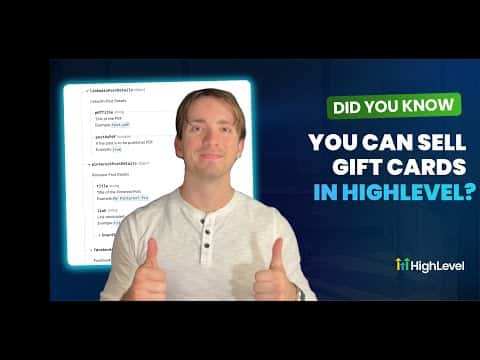
How to Sell Gift Cards in GoHighLevel

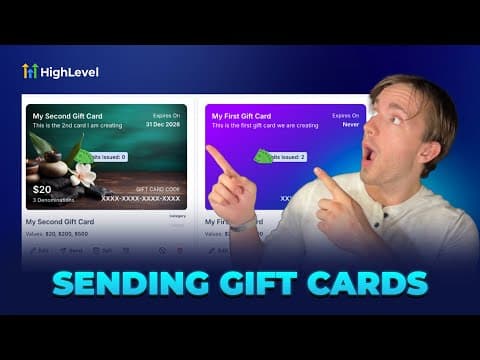
GoHighLevel lets you create branded digital gift cards and sell them directly to customers through a hosted checkout link or an embeddable widget. Set denominations, add custom artwork, configure inventory limits and taxes, then share the purchase link anywhere. Buyers receive their code by email or SMS after checkout.

2026年6月2日に更新

4:19

概要. GoHighLevel's gift card builder walks through four steps: name and description, custom artwork (upload or gradient), denomination and inventory settings, and a final preview before publishing. Once published, the card can be sold via a shareable checkout link, an embed code on your site, or sent directly to a contact. The platform handles code generation and delivery automatically.

よくある質問

Where do I create a gift card in GoHighLevel?

Go to Payments, then select Gift Cards in the top-right tab.

What image size works for custom gift card artwork?

Upload artwork at 800 by 400 pixels for the best result.

Can I limit how many gift cards are sold?

Yes, set a quantity limit in the denominations and inventory step.

すでに作った人たちと、一緒に作ろう。

無料コミュニティに参加しましょう。毎週のライブ通話、最初に見るコース、あなたの言語のビルダーがいます。

Skoolに無料で参加