 4:06
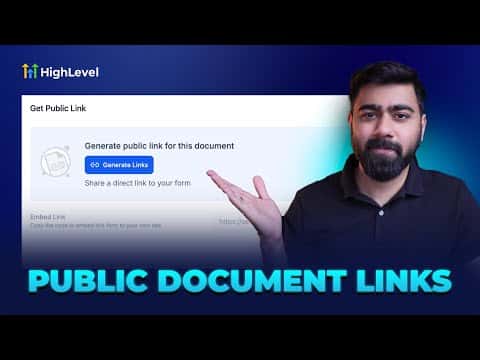
4:06概要. GoHighLevel's public document feature handles online contract signing without third-party tools. You build the document in a drag-and-drop editor, add the fields you want contacts to fill in (name, signature, date), then publish to generate a shareable URL. Anyone who opens the link fills in their details and signs. All completed responses appear in the Public Documents tab under Documents and Contracts.
ステップ
Open the template editor
Go to Payments in the left sidebar, select Documents and Contracts, then click Templates. Hit New and choose Create Public Document.
Add content and fields
Drag text blocks for your contract copy, then drag in a name field, a signature field, and a date field. Set each field to be filled by the contact.
Publish and copy the link
Name the document, save it, then click Publish. GoHighLevel generates a public URL you can copy and share with customers.