Getting Started & General

How to Use Element Templates in GoHighLevel Page Builder

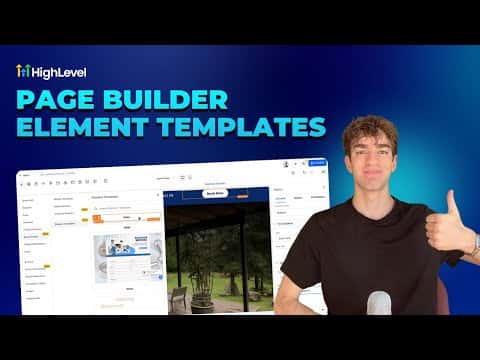
Element templates in GoHighLevel's page builder let you save any individual element, such as a button, image, or headline, and reuse it across funnels and websites with one click. Save once, drop anywhere. Universal templates go further by syncing changes automatically wherever the element is placed.

2026年6月2日に更新

2:22

概要. GoHighLevel's page builder supports two types of saved elements: standard element templates (a saved copy you can reuse) and universal templates (account-wide elements that update everywhere when edited in one place). To save an element, click it in the builder and use the Save Element button in the left panel, or find it via the Layers panel. Saved elements appear under Saved Assets when you add a new section.


よくある質問

What is the difference between an element template and a universal template?

Element templates are static copies; universal templates sync changes account-wide.

How do I reuse a saved element on a new page?

Click the plus button to add content, then open Saved Assets to find it.

Can I save any element type, not just buttons?

Yes, images, headlines, and any single builder element can be saved.

すでに作った人たちと、一緒に作ろう。

無料コミュニティに参加しましょう。毎週のライブ通話、最初に見るコース、あなたの言語のビルダーがいます。

Skoolに無料で参加