 2:22
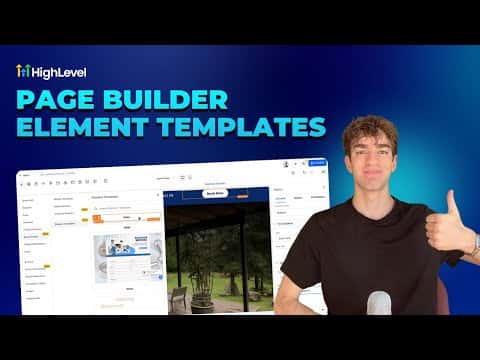
2:22Resumo. GoHighLevel's page builder supports two types of saved elements: standard element templates (a saved copy you can reuse) and universal templates (account-wide elements that update everywhere when edited in one place). To save an element, click it in the builder and use the Save Element button in the left panel, or find it via the Layers panel. Saved elements appear under Saved Assets when you add a new section.