Getting Started & General

How to Centralize Task Management in GoHighLevel

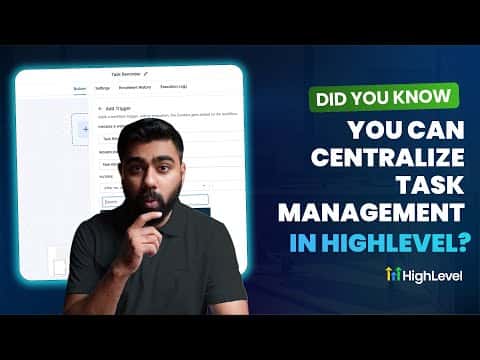
GoHighLevel keeps tasks inside the same platform where your conversations, leads, and automations live. Team members can view assigned tasks, see due dates, and jump straight to the related contact without switching apps. Tasks can also be created automatically inside workflows, so no follow-up falls through the cracks.

Atualizado em 2 de junho de 2026

4:09

Resumo. GoHighLevel's task management puts to-do items next to the contacts and conversations they belong to. Each team member sees their assigned tasks with due dates, priority status, and a direct link to the relevant contact record. Workflows can trigger task creation automatically, for example when a lead responds to an outreach sequence, so urgent follow-ups get assigned the moment action is needed. Task reminders and triggers let you build longer sales-cycle follow-up chains as well.

Perguntas frequentes

Where do team members find their assigned tasks?

Inside their GoHighLevel account under the Contacts task view.

Can tasks be created automatically by a workflow?

Yes, add an Add Task action to any workflow and set the assignee and due date.

Can I trigger automations based on task status?

Yes, use Task Reminder, Task Added, or Task Completed as workflow triggers.

Crie com quem já criou.

Entre na comunidade gratuita: lives semanais, um curso para começar e criadores no seu idioma.

Entre de graça no Skool