Getting Started & General

How to Use Custom Object Associations in GoHighLevel

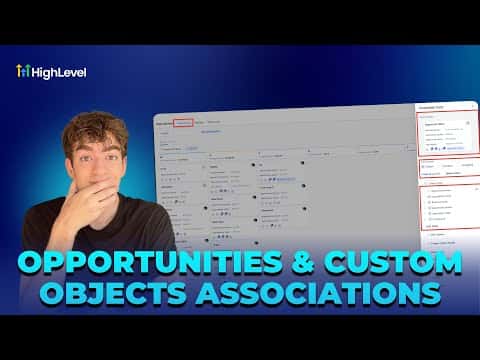
GoHighLevel custom object associations let you link a contact or opportunity to any structured data record you define, such as an event, property, or vehicle. Instead of burying details in notes, you attach a properly typed record directly to the deal or contact. The relationship is visible on the opportunity card and filterable in list views.

2026年6月2日に更新

2:23

概要. Custom object associations in GoHighLevel connect CRM opportunities to user-defined data structures. After creating a custom object in Settings, you add individual records to it, then open an opportunity card and link it to the relevant record via the Associated Objects section. A manageable fields toggle lets you display or hide the association column in your pipeline view so teams can see at a glance which deals are connected to which records.

よくある質問

Where do I create a custom object in GoHighLevel?

Go to Settings, scroll to Objects, and click the Create button.

How do I link a contact to a custom object record?

Open the opportunity card, find Associated Objects, and select the record.

Can I see the association in the pipeline board view?

Yes, use Manage Fields to toggle the association column on or off.

すでに作った人たちと、一緒に作ろう。

無料コミュニティに参加しましょう。毎週のライブ通話、最初に見るコース、あなたの言語のビルダーがいます。

Skoolに無料で参加