मेन्यू
RocketLauncher

Getting Started & General

How to Use Custom Object Associations in GoHighLevel

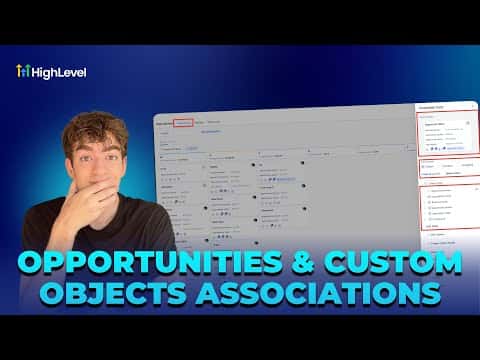
GoHighLevel custom object associations let you link a contact or opportunity to any structured data record you define, such as an event, property, or vehicle. Instead of burying details in notes, you attach a properly typed record directly to the deal or contact. The relationship is visible on the opportunity card and filterable in list views.

अपडेट: 2 जून 2026

2:23

सारांश. Custom object associations in GoHighLevel connect CRM opportunities to user-defined data structures. After creating a custom object in Settings, you add individual records to it, then open an opportunity card and link it to the relevant record via the Associated Objects section. A manageable fields toggle lets you display or hide the association column in your pipeline view so teams can see at a glance which deals are connected to which records.

लोग जो सवाल पूछते हैं

Where do I create a custom object in GoHighLevel?

Go to Settings, scroll to Objects, and click the Create button.

How do I link a contact to a custom object record?

Open the opportunity card, find Associated Objects, and select the record.

Can I see the association in the pipeline board view?

Yes, use Manage Fields to toggle the association column on or off.

उन लोगों के साथ बनाएँ जो पहले बना चुके हैं।

फ्री कम्युनिटी से जुड़ें: हर हफ़्ते लाइव कॉल, एक स्टार्ट-हियर कोर्स और आपकी भाषा में बोलने वाले बिल्डर्स।

Skool पर फ्री जुड़ें