Getting Started & General
Track Gift Card Performance Analytics in GoHighLevel
By Marnix Geerkens. Published 2025-12-04. Updated 2026-06-02.
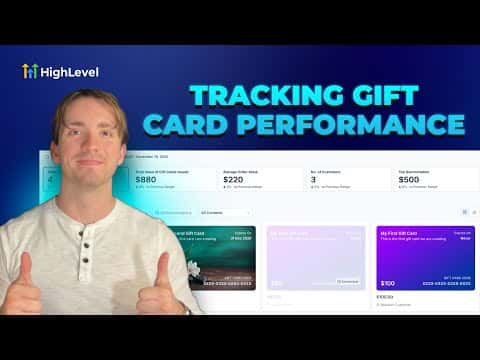
GoHighLevel's gift card analytics dashboard shows you how your gift cards are performing, including how many have been issued, redeemed, and how much value remains outstanding. You can filter by date range and check individual card details to spot trends and understand which offers are driving the most activity. This data helps you decide when to run a new gift card promotion or adjust your offer.
Watch it, then build it
Get the full platform free for 30 days
That walkthrough runs on GoHighLevel. Start it free through RocketLauncher and you get 30 days instead of the usual 14, the whole platform unlocked, plus our setup help and a community of thousands of builders in 47+ countries.
30 days, not 14Full platform, nothing held backFree community and setup help
We earn a referral commission if you keep GoHighLevel after the trial. It never changes your price.
Summary. GoHighLevel tracks gift card activity inside the Payments section, giving you a view of issued cards, redemption rates, and remaining balances over time. The analytics help you measure the impact of gift card campaigns and make informed decisions about future promotions without needing a separate reporting tool.

Related tutorials
Watch it, then build it
Get the full platform free for 30 days
30 days, not 14Full platform, nothing held backFree community and setup help
Frequently asked questions
Where do I find gift card analytics in GoHighLevel?
Go to Payments, then Gift Cards, and look for the analytics or reporting tab.
Can I see which specific gift cards have been redeemed?
Yes, the dashboard shows individual card status including issued, redeemed, and remaining balance.
Can I filter gift card data by date range?
Yes, you can apply date filters to see performance over a specific time period.