Getting Started & General
Customize Lead Capture Forms with GoHighLevel Prospecting Widgets
By Marnix Geerkens. Published 2025-08-30. Updated 2026-06-02.
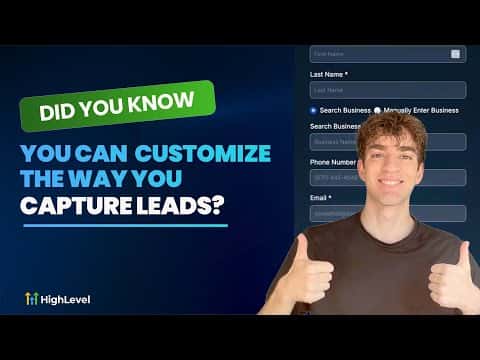
GoHighLevel's Prospecting Tools widget lets you build branded lead capture forms without touching a single line of code. Choose your colors, fonts, and the fields you collect, then embed the form on any website, funnel, or landing page. Every submission saves the contact directly to your CRM, where automation can tag and follow up immediately.
Watch it, then build it
Get the full platform free for 30 days
That walkthrough runs on GoHighLevel. Start it free through RocketLauncher and you get 30 days instead of the usual 14, the whole platform unlocked, plus our setup help and a community of thousands of builders in 47+ countries.
30 days, not 14Full platform, nothing held backFree community and setup help
We earn a referral commission if you keep GoHighLevel after the trial. It never changes your price.
Summary. GoHighLevel includes a Prospecting Tools widget that generates branded, embeddable lead forms from within the agency view. Agencies can create up to nine separate widgets, each customized for a different campaign or client site. Contacts captured through the widget land automatically in the CRM and can flow straight into pipelines and workflows.
Steps
Open the widget builder
Inside the agency view, go to Prospecting, then Widgets. Subscribe to Prospect Premium if prompted, then select the sub-account you want the widget tied to.
Customize fields and appearance
Adjust the fields you collect (name, email, phone, service type), set colors, fonts, background, and toggle between light and dark themes. Click Save when done.
Embed the widget
Click Settings and copy the embed code. In the target sub-account, go to Sites, open your website or funnel, add a Code element to the page, paste the snippet, and save.
Related tutorials
Watch it, then build it
Get the full platform free for 30 days
30 days, not 14Full platform, nothing held backFree community and setup help
Frequently asked questions
How many Prospecting widgets can one agency create?
Up to nine widgets, one per campaign or client website.
Where do widget submissions go?
Directly into the CRM as new contacts, ready for tagging and workflows.
Can the widget match a client's brand colors?
Yes, colors, fonts, and button styles are all configurable in the widget builder.