 2:05
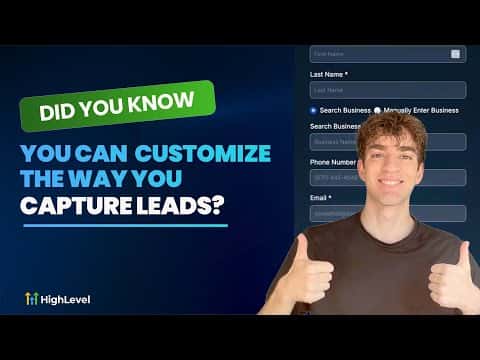
2:05概要. GoHighLevel includes a Prospecting Tools widget that generates branded, embeddable lead forms from within the agency view. Agencies can create up to nine separate widgets, each customized for a different campaign or client site. Contacts captured through the widget land automatically in the CRM and can flow straight into pipelines and workflows.
ステップ
Open the widget builder
Inside the agency view, go to Prospecting, then Widgets. Subscribe to Prospect Premium if prompted, then select the sub-account you want the widget tied to.
Customize fields and appearance
Adjust the fields you collect (name, email, phone, service type), set colors, fonts, background, and toggle between light and dark themes. Click Save when done.
Embed the widget
Click Settings and copy the embed code. In the target sub-account, go to Sites, open your website or funnel, add a Code element to the page, paste the snippet, and save.