
Video library
GoHighLevel CRM, Contacts and Lead Gen Tutorials
These tutorials cover the CRM at the center of GoHighLevel. You learn tags, custom fields, inbound webhooks for bringing contacts in, assigning and removing owners, and adding multiple opportunities to one pipeline. Clean contact data is what makes every workflow, report, and campaign downstream actually work. Start with tags and custom fields, then move to pipelines and webhooks once your records are organized.
Updated June 2, 2026
All CRM, Contacts & Lead Gen tutorials
 5:15How to Create and Use Tags in GoHighLevel19K views
 6:51How to Use Custom Fields in GoHighLevel14K views
 5:39How to Use Inbound Webhooks to Import Contacts in GoHighLevel14K views
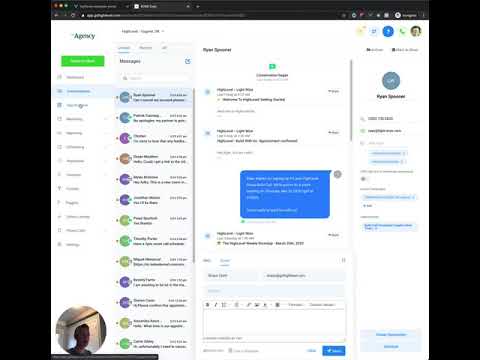 2:53Add Multiple Opportunities for the Same Contact to One Pipeline10K views
 3:04How to Assign and Remove Owners on Contacts and Opportunities9.5K views
 3:07How to Edit or Delete Custom Fields in GoHighLevel8.4K views
 4:09How to Get Started with Smart Lists in GoHighLevel8.3K views
 10:00Custom Values in GoHighLevel: What They Are and How to Use Them8.3K views
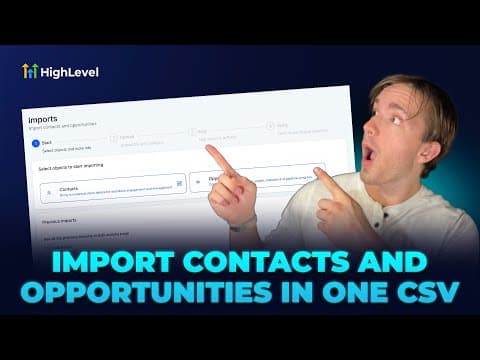 3:52How to Import Contacts and Opportunities Together Using a CSV File7.9K views
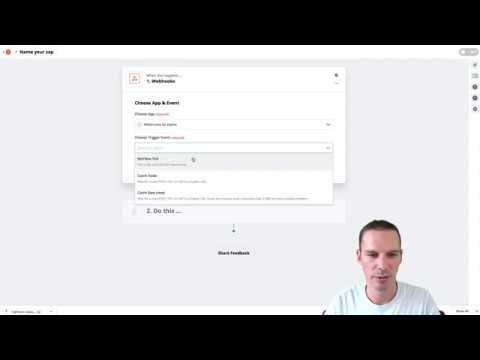 6:08Send GoHighLevel Contacts to Google Sheets Using Webhooks7.6K views
 2:13How to Export Contacts from GoHighLevel to a CSV File6.6K views
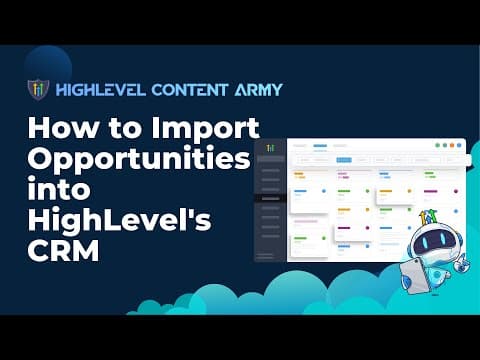 4:25How to Import Opportunities into GoHighLevel's CRM6.5K views
 1:05How to Use the GoHighLevel Prospecting Tool to Find Lead Information6.1K views
 1:04How to Attach Files to a Contact Record in GoHighLevel6.1K views
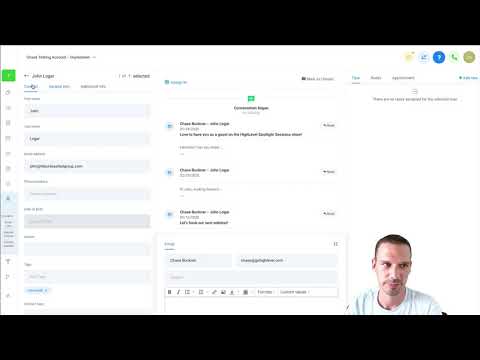 7:27GoHighLevel Smart Lists: Build and Filter Contact Lists5.7K views
 8:48How to Create and Use Custom Fields in GoHighLevel5.5K views
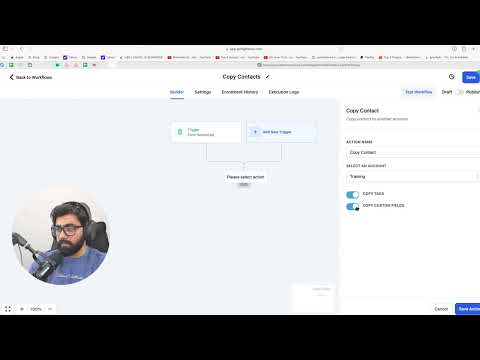 3:05How to Copy Contacts Between GoHighLevel Sub-Accounts5.3K views
 2:49How to Create Contactless Tasks for Team Members in GoHighLevel5.1K views
 2:15How to Generate Leads from Chamber of Commerce and BNI Meetups4.7K views
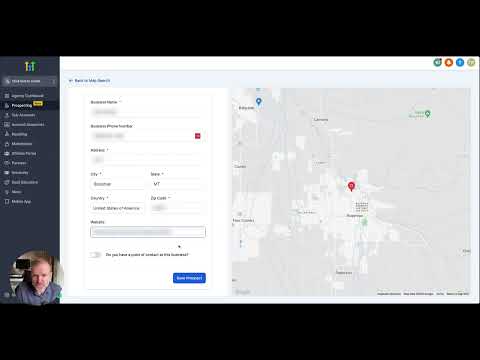 3:33How to Use the GoHighLevel Prospecting Tool4.7K views
 3:16How to Create Custom Values in GoHighLevel4.5K views
 4:11How to Use Contact Engagement Scoring in GoHighLevel4.3K views
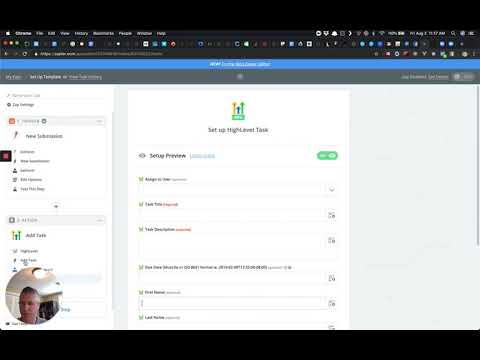 1:28Add Tags and Tasks via Zapier in GoHighLevel4.1K views
 1:19How to Use the Business Card Scanner in the GoHighLevel Mobile App4K views
 4:05How to Import Contacts and Opportunities via CSV in GoHighLevel3.5K views
 2:45How to Manage Duplicate Contacts in GoHighLevel1.4K views
 2:11How to Use the AI Business Card Scanner in GoHighLevel1.4K views
 5:56GoHighLevel Contact Features: What You Need to Know1.2K views
 1:50How to Use Smart List 2.0 and List View in GoHighLevel967 views
 2:24How to Customize the Add Contact Modal in GoHighLevel908 views
 2:09How to Link Notes Between Contacts and Opportunities in GoHighLevel905 views
 4:21How to Import a Shopify Store into GoHighLevel849 views
 2:21How to Launch a Google Ads Search Campaign in GoHighLevel841 views
 3:25How to Use Custom Fields in GoHighLevel Dashboard Widgets642 views
 3:15Color Code Your GoHighLevel Pipeline with Smart Tags486 views
 2:08How to Customize Group Tabs in GoHighLevel Communities424 views
 3:20How to Manage Pipeline Permissions in GoHighLevel423 views
 5:01How to Set Up an Affiliate Program for Your GoKollab Community389 views
 1:48How to Use Smart Lists in GoHighLevel to Save Time269 views
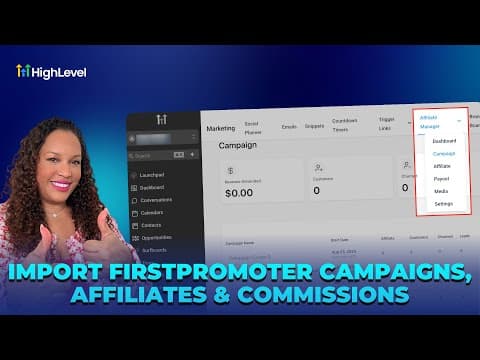 3:57How to Import FirstPromoter Campaigns into GoHighLevel260 views
 2:06How to Navigate the Contact Manager in the GoHighLevel Mobile App253 views
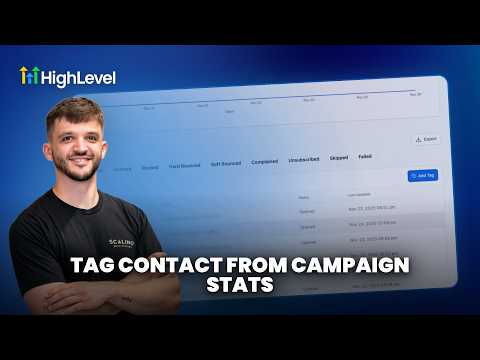 4:43How to Tag Contacts from Campaign Statistics in GoHighLevel172 views
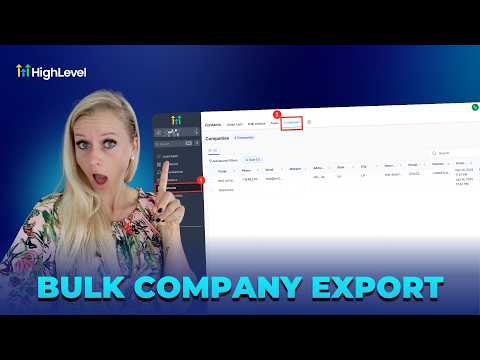 1:34How to Export Company Data to CSV in GoHighLevel159 views
Related topics
- Workflows & AutomationBuild workflows from triggers and actions: spam management, Facebook and Instagram automation, the chat widget, and conversions back to the ads platform.
- Forms & SurveysCapture leads with forms and surveys: conditional logic, quizzes, submission tracking, math calculations, and styled surveys.
- Reporting & DashboardsSee what is working: custom dashboard widgets, dashboard themes, and the live chat widget you install for support.
Questions people ask
How do tags work in GoHighLevel?
Tags label contacts so you can filter, segment, and trigger automations off them.
What is a custom field?
A custom field stores extra data on a contact that the default fields do not cover.
What is an inbound webhook used for?
It receives contact data from an outside tool and creates or updates a record.
Can one contact have multiple opportunities in a pipeline?
Yes. You can add several opportunities for the same contact in one pipeline.
How do I assign an owner to a contact?
You set an owner on the contact or opportunity so the right person follows up.