RocketLauncher AI

CRM, Contacts & Lead Gen

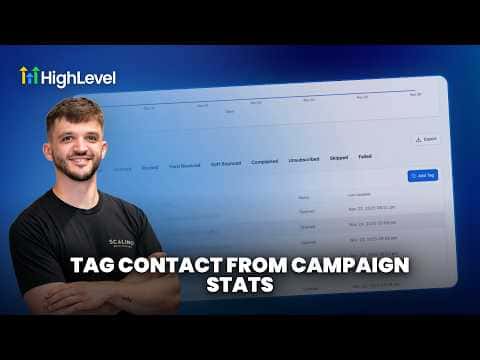
How to Tag Contacts from Campaign Statistics in GoHighLevel

By Marnix Geerkens. Published 2026-05-08. Updated 2026-06-02.

GoHighLevel lets you apply tags to contacts directly from campaign statistics, so you can act on engagement data without exporting anything. After reviewing who opened, clicked, or did not respond to a campaign, you select those contacts and tag them in a few clicks, ready for a follow-up sequence or a new segment.

Watch it, then build it

Get the full platform free for 30 days

That walkthrough runs on GoHighLevel. Start it free through RocketLauncher and you get 30 days instead of the usual 14, the whole platform unlocked, plus our setup help and a community of thousands of builders in 47+ countries.

30 days, not 14Full platform, nothing held backFree community and setup help

We earn a referral commission if you keep GoHighLevel after the trial. It never changes your price.

Summary. Tagging contacts from inside campaign statistics turns reporting into action. Rather than viewing open and click data passively, you can select specific responder groups and assign tags right there, which then feed into automations or Smart Lists for targeted follow-up.

Related tutorials

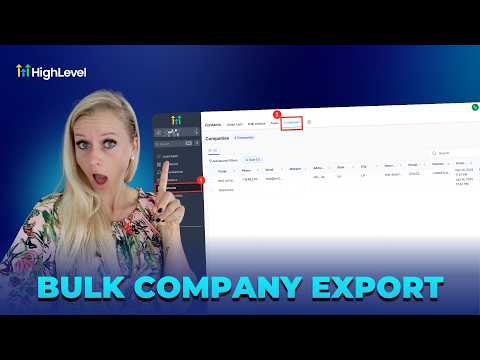
How To Export Company Data to CSV in HighLevel
How To Export Company Data to CSV in HighLevel1:34 · CRM, Contacts & Lead Gen
How to Navigate the Contact Manager on Mobile
How to Navigate the Contact Manager on Mobile2:06 · CRM, Contacts & Lead Gen
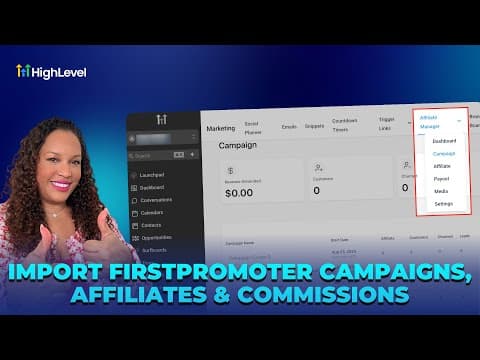
How To Import FirstPromoter Campaigns Into HighLevel
How To Import FirstPromoter Campaigns Into HighLevel3:57 · CRM, Contacts & Lead Gen
Did You Know You Can Use Smart Lists to Save Time Throughout HighLevel?
Did You Know You Can Use Smart Lists to Save Time Throughout HighLevel?1:48 · CRM, Contacts & Lead Gen
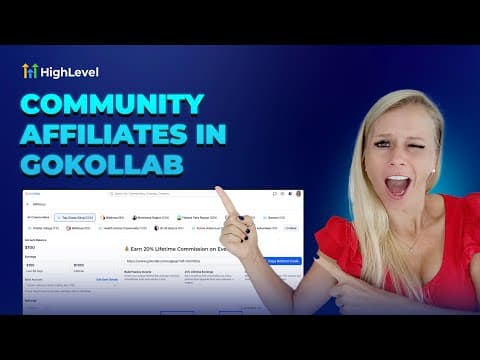
How To Boost Your GoKollab Community Engagement Through Affiliate Programs
How To Boost Your GoKollab Community Engagement Through Affiliate Programs5:01 · CRM, Contacts & Lead Gen
How To Manage Pipeline Permissions in HighLevel
How To Manage Pipeline Permissions in HighLevel3:20 · CRM, Contacts & Lead Gen

Watch it, then build it

Get the full platform free for 30 days

30 days, not 14Full platform, nothing held backFree community and setup help

Frequently asked questions

Where do I find campaign statistics in GoHighLevel?

Go to Marketing, open your campaign, and click on the Statistics or Reports tab.

What can I do with contacts once they are tagged?

Use the tag as a Smart List filter or automation trigger for follow-up sequences.

Can I tag contacts who did not open a campaign?

Yes. Filter by non-openers in the statistics view and apply a tag to that group.

Back to all CRM, Contacts & Lead Gen tutorials