CRM, Contacts & Lead Gen

How to Tag Contacts from Campaign Statistics in GoHighLevel

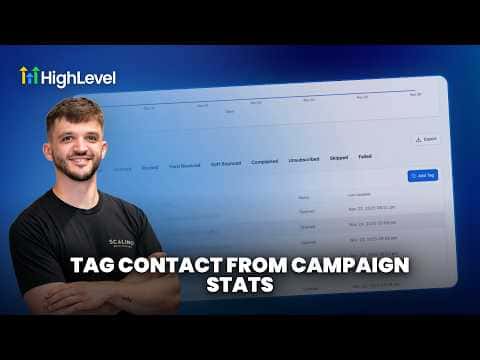
GoHighLevel lets you apply tags to contacts directly from campaign statistics, so you can act on engagement data without exporting anything. After reviewing who opened, clicked, or did not respond to a campaign, you select those contacts and tag them in a few clicks, ready for a follow-up sequence or a new segment.

Actualizado el 2 de junio de 2026

4:43

Resumen. Tagging contacts from inside campaign statistics turns reporting into action. Rather than viewing open and click data passively, you can select specific responder groups and assign tags right there, which then feed into automations or Smart Lists for targeted follow-up.

Preguntas frecuentes

Where do I find campaign statistics in GoHighLevel?

Go to Marketing, open your campaign, and click on the Statistics or Reports tab.

What can I do with contacts once they are tagged?

Use the tag as a Smart List filter or automation trigger for follow-up sequences.

Can I tag contacts who did not open a campaign?

Yes. Filter by non-openers in the statistics view and apply a tag to that group.

Constrúyelo con gente que ya lo hizo.

Únete a la comunidad gratis: llamadas en vivo cada semana, un curso para empezar y gente que construye en tu idioma.

Únete gratis en Skool