CRM, Contacts & Lead Gen
How to Set Up an Affiliate Program for Your GoKollab Community
By Marnix Geerkens. Published 2025-11-06. Updated 2026-06-02.
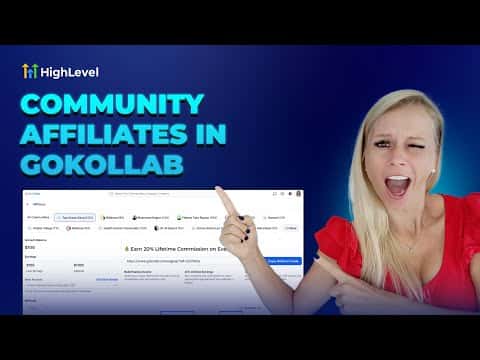
GoKollab lets community owners run a referral program directly inside the platform. You set a commission percentage, paid members get a personal link, and new sign-ups from that link are tracked automatically. The owner dashboard shows affiliate revenue, pending payouts, and referral status in one place, so you can manage the whole program without a third-party tool.
Watch it, then build it
Get the full platform free for 30 days
That walkthrough runs on GoHighLevel. Start it free through RocketLauncher and you get 30 days instead of the usual 14, the whole platform unlocked, plus our setup help and a community of thousands of builders in 47+ countries.
30 days, not 14Full platform, nothing held backFree community and setup help
We earn a referral commission if you keep GoHighLevel after the trial. It never changes your price.
Summary. The GoKollab affiliate feature turns paying members into recruiters by giving each one a unique referral link tied to a commission you define. As a community owner you can monitor who referred whom, total revenue generated by affiliates, and outstanding payouts all from the affiliate dashboard. Members can check their own earnings and referral status from their profile without contacting you.
Related tutorials
Watch it, then build it
Get the full platform free for 30 days
30 days, not 14Full platform, nothing held backFree community and setup help
Frequently asked questions
Who can get a GoKollab referral link?
Any paid member of the community can receive and share a personal referral link.
What happens if a payout fails?
The status shows as failed. Download the CSV, update bank details, and reprocess manually.
How do I change the commission rate?
Open the community in GoKollab Studio, click the three dots, choose Affiliates, then edit the commission.