CRM, Contacts & Lead Gen

How to Set Up an Affiliate Program for Your GoKollab Community

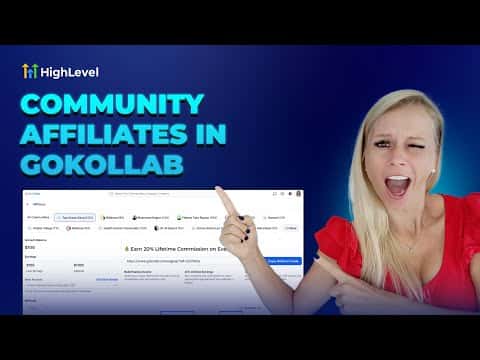
GoKollab lets community owners run a referral program directly inside the platform. You set a commission percentage, paid members get a personal link, and new sign-ups from that link are tracked automatically. The owner dashboard shows affiliate revenue, pending payouts, and referral status in one place, so you can manage the whole program without a third-party tool.

2026年6月2日に更新

5:01

概要. The GoKollab affiliate feature turns paying members into recruiters by giving each one a unique referral link tied to a commission you define. As a community owner you can monitor who referred whom, total revenue generated by affiliates, and outstanding payouts all from the affiliate dashboard. Members can check their own earnings and referral status from their profile without contacting you.

よくある質問

Who can get a GoKollab referral link?

Any paid member of the community can receive and share a personal referral link.

What happens if a payout fails?

The status shows as failed. Download the CSV, update bank details, and reprocess manually.

How do I change the commission rate?

Open the community in GoKollab Studio, click the three dots, choose Affiliates, then edit the commission.

すでに作った人たちと、一緒に作ろう。

無料コミュニティに参加しましょう。毎週のライブ通話、最初に見るコース、あなたの言語のビルダーがいます。

Skoolに無料で参加