 3:57
3:57概要. GoHighLevel's Affiliate Manager accepts a direct import from FirstPromoter using your FirstPromoter account ID and API key. The process copies your selected campaigns and affiliates, lets you set payout terms, and flags any configuration gaps like missing tracking scripts or unsupported product-based commissions. Once inside GoHighLevel you can edit commission tiers, connect funnels, and publish campaigns without touching FirstPromoter again.
ステップ
Navigate to Affiliate Manager
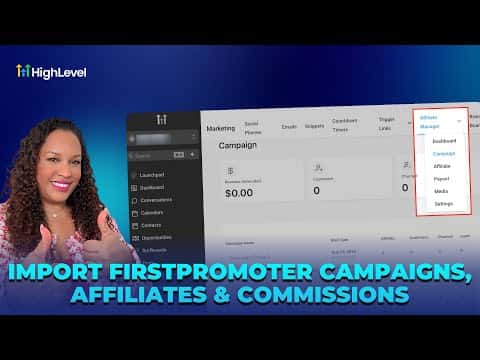
In your sub-account, open Marketing from the left sidebar, then click Affiliate Manager, then Campaigns.
Start the import
Click the Import button. Select FirstPromoter as the source, then enter your FirstPromoter account ID and API key from the FirstPromoter Settings > Integrations page.
Select campaigns and set payout terms
Choose which campaigns to bring over. Set your payout preference, including the net-days term, then proceed to the affiliates list.
Resolve affiliate conflicts and complete import
For each affiliate choose merge (link to an existing contact) or skip. Then start the import and wait for the confirmation summary.
Add tracking and publish
Open each imported campaign, install the tracking script, connect it to a funnel or website, configure commissions, and publish.