
Video library
GoHighLevel Form and Survey Tutorials
These tutorials cover forms and surveys in GoHighLevel. You learn to build a form, add conditional logic, create interactive quizzes, track submissions, style a survey, and use the math calculations feature. Forms are the front door for most leads, so the data they collect feeds everything after. Start with a simple form, then add logic and tracking once it is live.
Updated June 2, 2026
All Forms & Surveys tutorials
 4:01How to Create a Form in GoHighLevel14K views
 5:25How to Use Conditional Logic in GoHighLevel Forms10K views
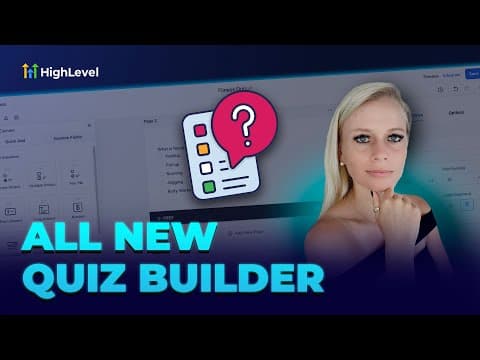 9:35Creating Interactive Quizzes in GoHighLevel to Segment Your Audience5.9K views
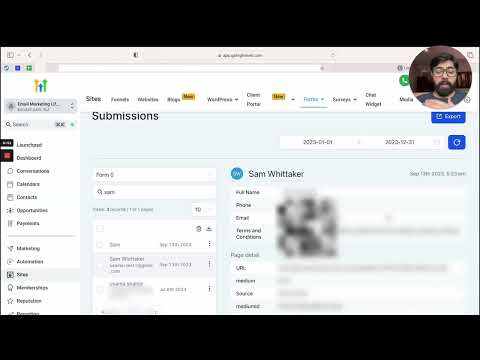 5:21How to Track Form Submissions in GoHighLevel5.3K views
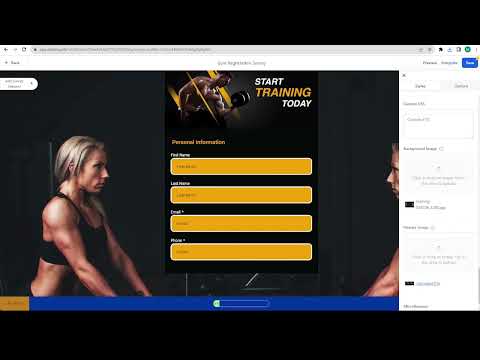 3:49How to Create a Stylized Survey in GoHighLevel5.2K views
 3:21How to Use Math Calculations in GoHighLevel Forms and Surveys4.3K views
 1:56How to Add and Edit Custom Fields in GoHighLevel Forms and Surveys3.8K views
 1:42How to Use the Quiz Template Library in GoHighLevel899 views
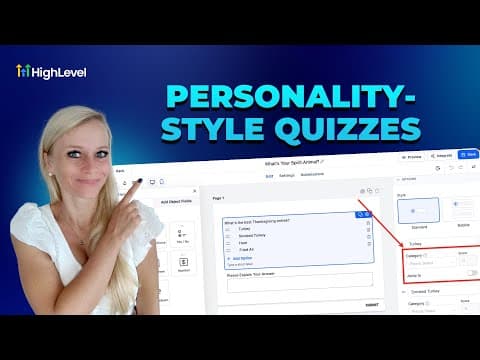 8:58How to Set Up a Personality Style Quiz in GoHighLevel814 views
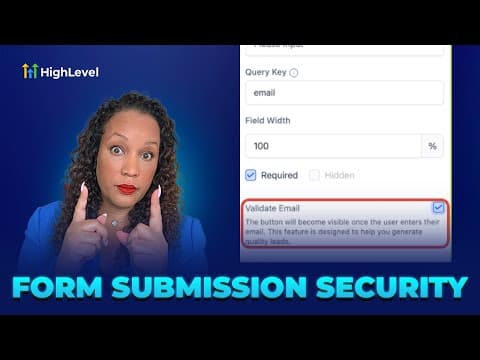 3:57How to Secure GoHighLevel Forms Against Spam and Fake Submissions678 views
 1:17How to Edit Forms, Surveys, and Quizzes Inline in GoHighLevel533 views
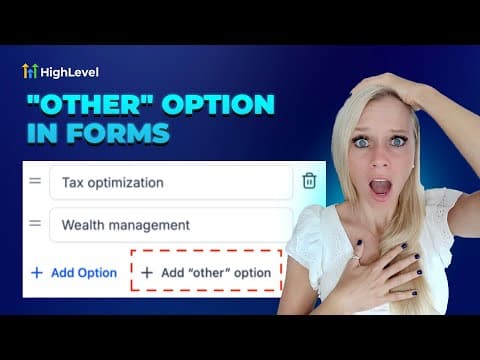 2:40How to Add an Other Option to GoHighLevel Forms and Surveys450 views
 2:46How to Access Form Submissions in GoHighLevel's Conversations Tab421 views
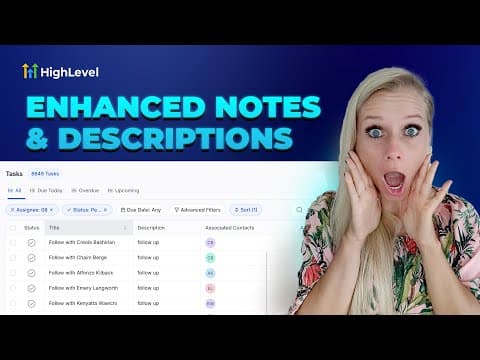 2:34How to Format Notes and Tasks in GoHighLevel with Rich Text401 views
 2:46How to Make GoHighLevel Forms, Surveys, and Quizzes Mobile Friendly385 views
Related topics
- CRM, Contacts & Lead GenRun the CRM: tags, custom fields, inbound webhooks, owners, smart lists, and opportunities across your pipelines.
- Funnels & WebsitesBuild pages in the funnel and website builder: blogs, custom values as color codes, meta tags, the webchat widget, and ClickFunnels imports.
- Calendars & BookingSet up booking that never double-books: Google Calendar sync, Zoom links, Calendly imports, and multiple calendars on one page.
Questions people ask
What is conditional logic in forms?
It shows or hides fields based on what the person already answered.
Can I build a quiz in GoHighLevel?
Yes. Interactive quizzes tailor the experience and segment your audience.
How do I track form submissions?
Submission tracking records each entry and ties it back to the contact.
Can a form do calculations?
Yes. The math calculations feature adds and computes values inside the form.