
Video library
GoHighLevel Funnel and Website Tutorials
These tutorials cover the funnel and website builder in GoHighLevel. You learn to create a blog, add custom meta tags for SEO, install the webchat widget, use custom values as color codes, build a two-step order form, and import a ClickFunnels page. This is where you turn traffic into opt-ins and orders. Start with a simple page, then layer in the widget and tracking once it converts.
Updated June 2, 2026
All Funnels & Websites tutorials
 2:35Configuring a 2-Step Order Form for SaaS Mode in GoHighLevel47K views
 6:50How to Create a Blog in GoHighLevel17K views
 1:03Install the GoHighLevel Webchat Widget on Websites and Funnels12K views
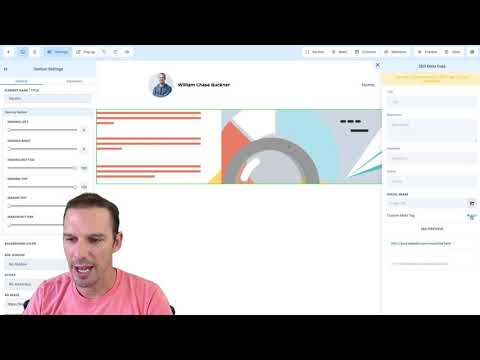 1:38How to Add a Custom Meta Tag to a Funnel or Website in GoHighLevel11K views
 3:56How to Use Custom Values as Color Codes in GoHighLevel Page Builder10K views
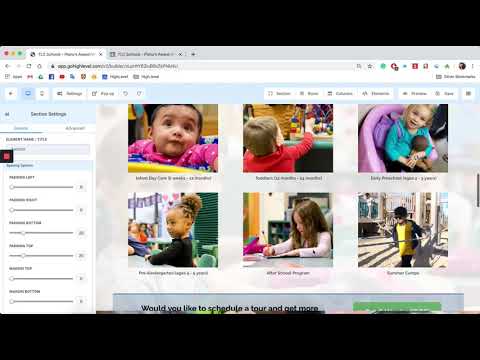 1:46How to Import a ClickFunnels Page into GoHighLevel10K views
 1:53How to Add Dynamic Text to Funnel Pages in GoHighLevel9.2K views
 10:25How to Build Link Tree Style Pages in GoHighLevel8.3K views
 1:19Add the GoHighLevel Live Chat Widget to a WordPress Website7.9K views
 4:26How to Use GoHighLevel's Prospecting Tool Website Performance Report7.7K views
 7:55How to Build Pricing Columns in GoHighLevel Funnel Builder7.4K views
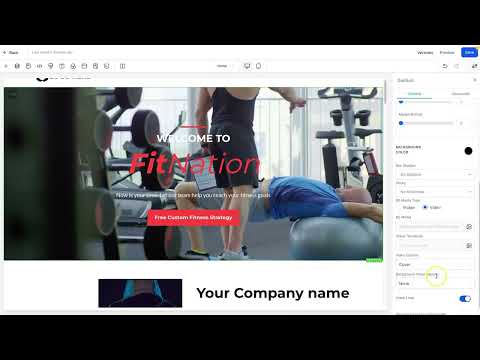 3:18How to Add Video Backgrounds to Funnels and Websites in GoHighLevel7.3K views
 3:00How to Set Up Split Testing in GoHighLevel Funnels6K views
 2:31How to Clone a WordPress Website in GoHighLevel3.9K views
 1:54How to Optimize Image Sizes in GoHighLevel for Mobile and Desktop3.6K views
 3:04How to Access the Media Library in GoHighLevel3.5K views
 3:11How to Save Drafts and Publish Pages in GoHighLevel Page Builder3.5K views
 4:21How to Track Form Submissions from External Websites in GoHighLevel1.7K views
 7:38How to Set Up the All-In-One Chat Widget in GoHighLevel1.6K views
 2:04How to Integrate LeadConnector on Your WordPress Site1.5K views
 3:25Create Blog Posts with AI Inside GoHighLevel1.1K views
 2:46How to Add Schema Markup to GoHighLevel Funnels and Websites1K views
 1:41How to Upload Custom HTML Pages in GoHighLevel WordPress618 views
 1:27How to Edit Funnel Pages with AI Commands in GoHighLevel611 views
 1:26Add a Store to an Existing GoHighLevel Website or Funnel597 views
 1:45How to Use the GoHighLevel Website Builder Sidebar592 views
 2:49How to Bulk Upload and Schedule Blog Posts via CSV in GoHighLevel501 views
 1:57How to Install WordPress Plugins in GoHighLevel492 views
 2:08How to Create SEO-Optimized Blog Posts with AI in GoHighLevel484 views
 7:34How to Set Up One-Click Upsells in GoHighLevel Funnels373 views
 1:46How to Use Custom Values in WordPress Sites Inside GoHighLevel364 views
 1:30How to Update the PHP Version on a WordPress Site in GoHighLevel355 views
 4:08How to Use Browser and IP Analytics in GoHighLevel to Optimize Your Site302 views
 2:58How to Analyze Funnel and Website Traffic by Country in GoHighLevel284 views
 3:47How to Manage Files in the GoHighLevel Mobile Media Library261 views
 2:03How to Turn a GoHighLevel AI Draft into a Live Lead Funnel257 views
 2:03WordPress Site Performance Reports in GoHighLevel238 views
 1:29How to Include WordPress Sites in GoHighLevel Snapshots189 views
Related topics
- Domains & SetupConnect domains the right way: root and sub-domains, WWW forwarding, Cloudflare page rules, and a dedicated IP address.
- Forms & SurveysCapture leads with forms and surveys: conditional logic, quizzes, submission tracking, math calculations, and styled surveys.
- Payments & InvoicingGet paid inside the platform: Stripe integration, payment pages, proposals and estimates, custom payment providers, and product imports.
Questions people ask
Can I build a full website in GoHighLevel?
Yes. The builder handles websites, funnels, blogs, and order forms in one place.
Can I import a ClickFunnels page?
Yes. You can import a ClickFunnels page straight into the GoHighLevel Funnel Builder.
How do I add a meta tag to a funnel?
You paste a custom meta tag into the page settings for SEO and verification.
What are custom values used for in the builder?
Custom values store reusable text and even color codes you apply across pages.
Can I add a chat widget to my site?
Yes. You install the HighLevel webchat widget on any funnel or website.