
Video library
GoHighLevel Payment and Invoicing Tutorials
These tutorials cover payments and invoicing in GoHighLevel. You learn to integrate Stripe, set up a product, build a payment page to sign up new clients, create proposal and estimate templates, add custom payment providers, and import existing products from Stripe. This is how money moves through your account and your clients accounts. Start by connecting Stripe, then build your first payment page.
Updated June 2, 2026
All Payments & Invoicing tutorials
 5:53How to Create Proposal and Estimate Templates in GoHighLevel18K views
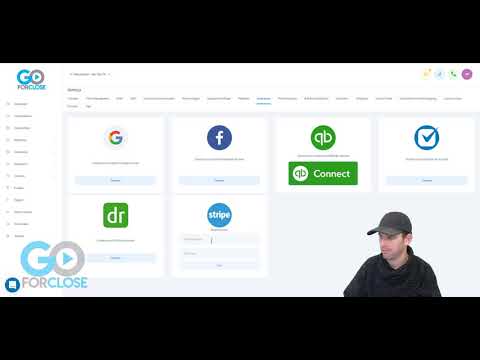 6:20How to Set Up a Stripe Product and Connect It to GoHighLevel14K views
 5:31How to Integrate Custom Payment Providers in GoHighLevel12K views
 7:49How to Build a Subscription Payment Page in GoHighLevel8.6K views
 2:03How to Integrate Stripe with GoHighLevel7.3K views
 2:25How to Import Existing Stripe Products into GoHighLevel7.1K views
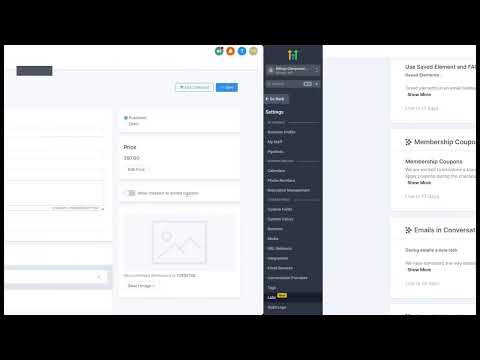 3:44How to Create Discount Coupons for Courses in GoHighLevel5.5K views
 2:24How to Connect Square Payment Processor to GoHighLevel4.5K views
 2:36How to Collect Payments in a GoHighLevel Form4K views
 7:10How to Create and Send Estimates in GoHighLevel3.5K views
 2:47How to Add EU Payment Methods to Your Stripe Checkout in GoHighLevel3.4K views
 4:16How to Use Stripe Internet Readers with the LeadConnector Mobile App1.2K views
 3:42How to Add Recurring and One-Time Products to Payment Links in GoHighLevel873 views
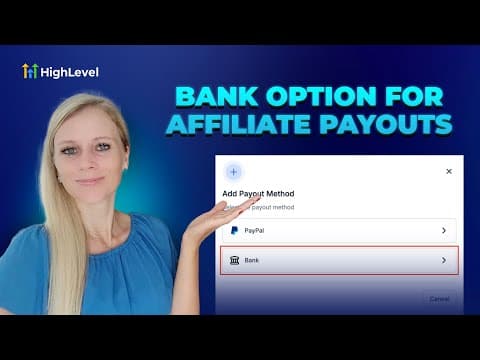 3:03How to Set Up Bank Account Payments in Your GoHighLevel Affiliate Manager455 views
 6:27How to Import Stripe Products into GoHighLevel's SaaS Configurator415 views
 1:30Configure Payment Providers by Channel in GoHighLevel414 views
 5:36How to Set Up Payment Dashboard Widgets and Reporting in GoHighLevel372 views
 2:08Expiring Coupons for Limited-Time Promos in GoHighLevel275 views
 1:31Route Payments to Different Bank Accounts by Channel in GoHighLevel257 views
 1:51How to Integrate Stripe with GoKollab for Paid Community Payments227 views
 1:24Add Terms and Conditions to Payment Forms in GoHighLevel217 views
 6:54How to Create and Manage Coupons in GoHighLevel124 views
Related topics
- SaaS Mode & AgencyResell the platform: configure SaaS Mode plans, white-label domains, snapshots, sub-account transfers, and branded apps.
- Funnels & WebsitesBuild pages in the funnel and website builder: blogs, custom values as color codes, meta tags, the webchat widget, and ClickFunnels imports.
- CRM, Contacts & Lead GenRun the CRM: tags, custom fields, inbound webhooks, owners, smart lists, and opportunities across your pipelines.
Questions people ask
How do I take payments in GoHighLevel?
You connect Stripe, then sell through payment pages, invoices, or order forms.
Can I import products from Stripe?
Yes. You can import existing Stripe products instead of rebuilding them.
Can I send proposals and estimates?
Yes. You build proposal and estimate templates and send them for signature and payment.
Can I use a payment provider other than Stripe?
Yes. Custom payment providers let you connect other gateways to HighLevel.