RocketLauncher AI

Payments & Invoicing

Route Payments to Different Bank Accounts by Channel in GoHighLevel

By Marnix Geerkens. Published 2026-05-27. Updated 2026-06-02.

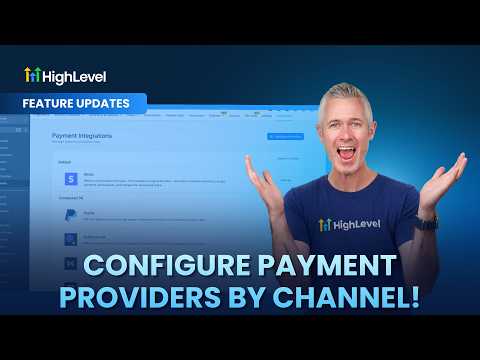
GoHighLevel lets you assign a different payment provider to each collection channel in your account. Navigate to Payments, then Integrations to connect Stripe, PayPal, Authorize.net, Square, or other processors. Then open Configure Providers to assign which processor handles each channel. This means your e-commerce store can run on Stripe while invoices go through a processor that supports ACH, cutting transaction fees on larger B2B payments.

Watch it, then build it

Get the full platform free for 30 days

That walkthrough runs on GoHighLevel. Start it free through RocketLauncher and you get 30 days instead of the usual 14, the whole platform unlocked, plus our setup help and a community of thousands of builders in 47+ countries.

30 days, not 14Full platform, nothing held backFree community and setup help

We earn a referral commission if you keep GoHighLevel after the trial. It never changes your price.

Summary. Inside GoHighLevel Payments, the Configure Providers option lets you assign a specific payment processor to each channel including funnels, forms, stores, calendars, invoices, payment links, courses, and communities. You can add multiple providers to a single channel or remove a provider to restrict that channel to one option only. This is useful when running an e-commerce store and a service-based business from the same account and wanting to minimize fees on each transaction type.


Related tutorials

Did You Know You Can Offer Expiring Coupons for Limited Time Promos?
Did You Know You Can Offer Expiring Coupons for Limited Time Promos?2:08 · Payments & Invoicing
How to Integrate Stripe with GoKollab for Seamless Payments
How to Integrate Stripe with GoKollab for Seamless Payments1:51 · Payments & Invoicing
Did You Know You Can Add Terms & Conditions Directly to Payment Forms in HighLevel?
Did You Know You Can Add Terms & Conditions Directly to Payment Forms in HighLevel?1:24 · Payments & Invoicing
How to Set Up Dashboard Reporting with Payment Widgets and Insights
How to Set Up Dashboard Reporting with Payment Widgets and Insights5:36 · Payments & Invoicing
How To Create & Manage Coupons in HighLevel
How To Create & Manage Coupons in HighLevel6:54 · Payments & Invoicing
Configure Payment Providers by Channel!
Configure Payment Providers by Channel!1:30 · Payments & Invoicing

Watch it, then build it

Get the full platform free for 30 days

30 days, not 14Full platform, nothing held backFree community and setup help

Frequently asked questions

Where is the Configure Providers option in GoHighLevel?

Go to Payments, Integrations, then click Configure Providers in the top right.

Can one channel support multiple payment providers at the same time?

Yes. Click the plus icon on a channel to add a second or third provider.

Why would I use a different processor for invoices versus my storefront?

ACH processors typically charge lower fees on large invoices than card-based processors.

Back to all Payments & Invoicing tutorials