Payments & Invoicing
Configure Payment Providers by Channel in GoHighLevel
By Marnix Geerkens. Published 2026-02-11. Updated 2026-06-02.
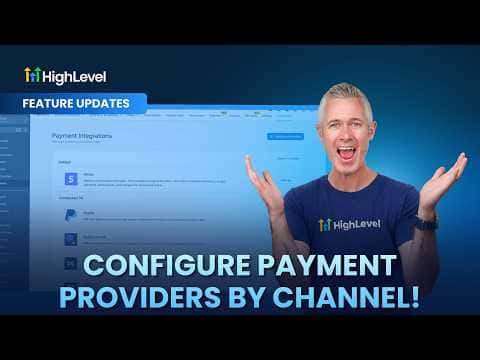
GoHighLevel now lets you assign a different payment processor to each sales channel in your account. Funnels, forms, calendars, invoices, stores, and payment links can each use their own provider, and you set live and test modes independently. The sub-account global default still applies to any channel you leave unconfigured.
Watch it, then build it
Get the full platform free for 30 days
That walkthrough runs on GoHighLevel. Start it free through RocketLauncher and you get 30 days instead of the usual 14, the whole platform unlocked, plus our setup help and a community of thousands of builders in 47+ countries.
30 days, not 14Full platform, nothing held backFree community and setup help
We earn a referral commission if you keep GoHighLevel after the trial. It never changes your price.
Summary. Instead of routing every transaction through one processor, GoHighLevel lets you match the payment provider to the channel. You can accept Stripe on your storefront, PayPal on invoices, and a different processor on calendars, all from the same sub-account. Live and test configurations are managed separately, so testing a new provider does not affect live transactions.
Related tutorials
Watch it, then build it
Get the full platform free for 30 days
30 days, not 14Full platform, nothing held backFree community and setup help
Frequently asked questions
Which channels support per-channel payment provider configuration?
Funnels, forms, stores, calendars, invoices, payment links, courses, communities, and services.
Can I configure live and test modes with different providers?
Yes. Live and test are configured independently per channel.
What happens if I assign a provider that is not connected to the sub-account?
It will not work. Only connected providers appear as options.