
Video library
GoHighLevel SaaS Mode and Agency Tutorials
These tutorials cover SaaS Mode and agency setup in GoHighLevel. You learn to configure SaaS plans, set a white-label domain in agency settings, create snapshots, load them to a sub-account, resell branded apps, and run in-app sub-account transfers. This is how you sell GoHighLevel as your own software instead of reselling someone else logo. SaaS Mode is on the $497 plan. Start with plans, then white-label your domain.
Updated June 2, 2026
All SaaS Mode & Agency tutorials
 1:30Setting Up SaaS Mode and Configuring Plans in GoHighLevel66K views
 1:46How to Set Up a Whitelabel Domain in GoHighLevel Agency Settings47K views
 4:39How to Load a Snapshot into a GoHighLevel Sub-Account21K views
 5:18How to Resell Branded Apps in GoHighLevel as an Agency14K views
 2:42How to Transfer a Sub-Account Between GoHighLevel Agencies11K views
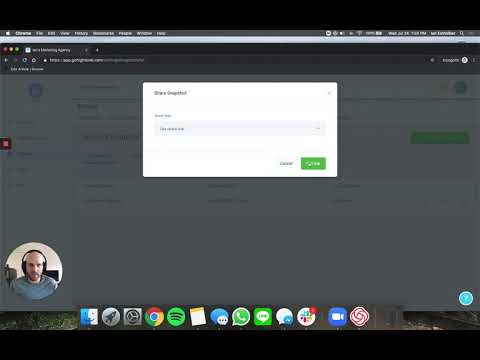 2:39How to Share GoHighLevel Snapshots with Other Agency Accounts11K views
 6:05Run an Affiliate Program for Your White-Labeled GoHighLevel SaaS Using FirstPromoter9.2K views
 2:59How to Set Up Branded Domains for GoHighLevel Sub-Accounts8.5K views
 1:29GoHighLevel Solar Snapshot: Free Solar Quote Funnel Overview8.5K views
 3:08How to Add a User to a GoHighLevel Sub-Account8.2K views
 7:01How to Sell Snapshots on the GoHighLevel App Marketplace6.5K views
 3:15How to Configure a Custom Branded Mobile App in GoHighLevel6.3K views
 1:08How to Find Your Agency Relationship Number in GoHighLevel5.9K views
 3:27How to Use the GoHighLevel Affiliate Campaign Creation Flow4.8K views
 3:54How to Whitelabel Your GoHighLevel Desktop App4.7K views
 2:31How to Use the GoHighLevel Affiliate Manager3.5K views
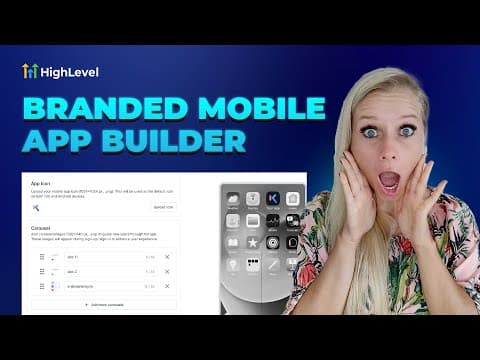 2:50How to Set Up a Branded Mobile App in GoHighLevel3.5K views
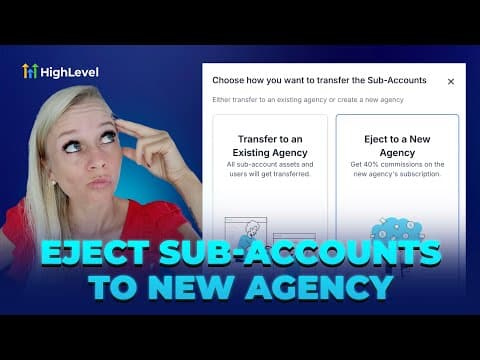 6:24How to Transfer Sub-Accounts to a New Agency in GoHighLevel2.7K views
 1:34Run Your GoHighLevel Agency from the Mobile App597 views
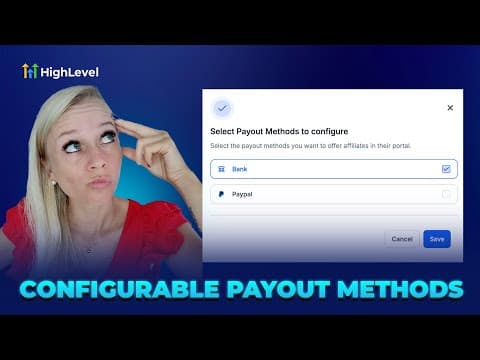 1:15How to Configure Affiliate Payout Methods in GoHighLevel536 views
 1:34Clone Client Setups with GoHighLevel Snapshots448 views
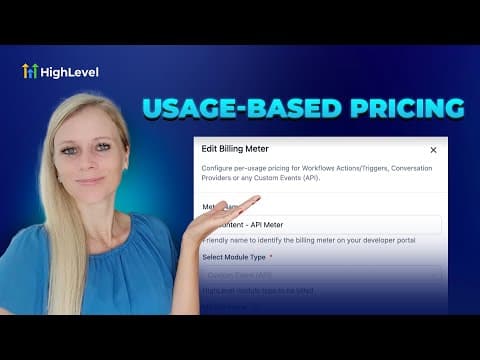 1:47How to Implement Usage-Based Pricing in the GoHighLevel App Marketplace425 views
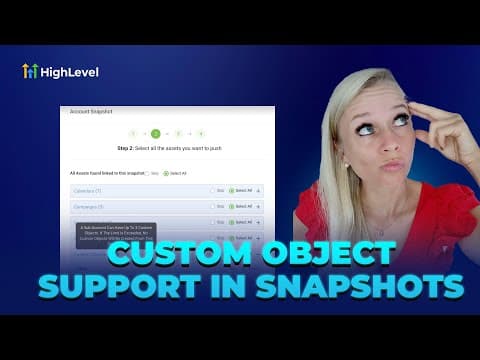 3:04How to Create GoHighLevel Snapshots with Custom Objects362 views
 2:33Connect with Leads on the GoHighLevel Mobile App353 views
 1:01How to Sell Digital Products and Courses in GoHighLevel314 views
 1:34How to Sell Paid Course Access Inside a GoHighLevel Community286 views
 1:38How to Enable or Disable Customers in GoHighLevel Affiliate Manager215 views
 3:29How to Bundle App Marketplace Apps with Your GoHighLevel SaaS Plans196 views
 1:13How to Adjust Snapshot Permissions for Admins in GoHighLevel161 views
 2:03How to Delete Affiliate Commissions in GoHighLevel Affiliate Manager152 views
Related topics
- Domains & SetupConnect domains the right way: root and sub-domains, WWW forwarding, Cloudflare page rules, and a dedicated IP address.
- Payments & InvoicingGet paid inside the platform: Stripe integration, payment pages, proposals and estimates, custom payment providers, and product imports.
- Getting Started & GeneralThe basics of a new account: user permissions, the template library, custom menu links, and the settings every build starts with.
Questions people ask
What is SaaS Mode?
SaaS Mode lets you resell GoHighLevel as your own branded software with your own pricing.
Which plan includes SaaS Mode?
SaaS Mode is part of the $497 per month Pro plan.
What is a snapshot?
A snapshot is a saved account setup you load into new sub-accounts to launch fast.
How do I white-label the platform?
You set a white-label domain in agency settings so clients see your brand, not HighLevel.
Can I move a sub-account to another agency?
Yes. In-app sub-account transfers move an account between agencies.