SaaS Mode & Agency
Clone Client Setups with GoHighLevel Snapshots
By Marnix Geerkens. Published 2026-03-03. Updated 2026-06-02.
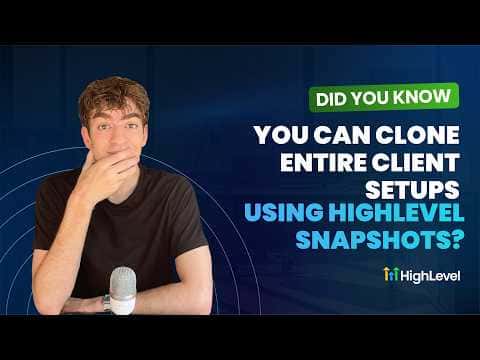
GoHighLevel snapshots let you package a sub-account's funnels, automations, workflows, websites, and settings into a reusable template. Once created, that snapshot can be loaded into any new sub-account in a few clicks, giving every new client the same proven starting point without rebuilding from scratch.
Watch it, then build it
Get the full platform free for 30 days
That walkthrough runs on GoHighLevel. Start it free through RocketLauncher and you get 30 days instead of the usual 14, the whole platform unlocked, plus our setup help and a community of thousands of builders in 47+ countries.
30 days, not 14Full platform, nothing held backFree community and setup help
We earn a referral commission if you keep GoHighLevel after the trial. It never changes your price.
Summary. GoHighLevel's snapshot feature allows agencies and consultants to save a complete set of assets from one sub-account and deploy them to another. This tutorial covers creating a snapshot in Agency Settings, choosing which assets to include, and loading that snapshot when setting up a new sub-account. Snapshots keep client setups consistent and cut onboarding time significantly.
Steps
Switch to Agency view and open Account Snapshots
Click the dropdown at the top of the platform to switch to Agency view, then navigate to Account Snapshots in the left menu.
Create a new snapshot
Click Create New Snapshot, give it a name, and select the sub-account you want to copy assets from. Click Next to let the platform prepare the asset list.
Select assets to include
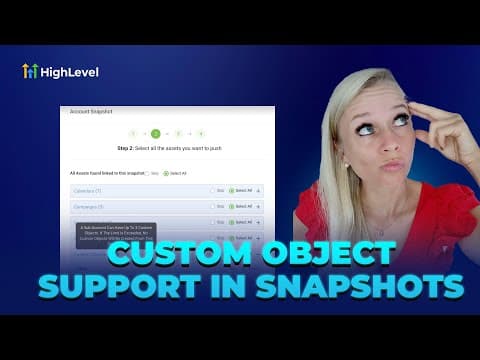
Toggle on or off the specific funnels, automations, workflows, and other assets you want in the snapshot, then click Create.
Load the snapshot into a new sub-account
Go to Sub Accounts on the left. When creating a new sub-account, click the blue button in the top right, choose My Snapshots, and select the snapshot you just created. The assets are added to the new account automatically.
Want the full picture? Read more about GoHighLevel SaaS Mode.
Related tutorials
Watch it, then build it
Get the full platform free for 30 days
30 days, not 14Full platform, nothing held backFree community and setup help
Frequently asked questions
What assets can a GoHighLevel snapshot include?
Funnels, websites, automations, workflows, calendars, and account settings.
Can I load a snapshot into an existing sub-account?
Yes, via the three-dot menu on a sub-account, then Manage Client, then Load Snapshot.
Does loading a snapshot overwrite existing data?
The system checks for conflicts before proceeding and alerts you if any exist.