RocketLauncher AI

Funnels & Websites

WordPress Site Performance Reports in GoHighLevel

By Marnix Geerkens. Published 2026-02-06. Updated 2026-06-02.

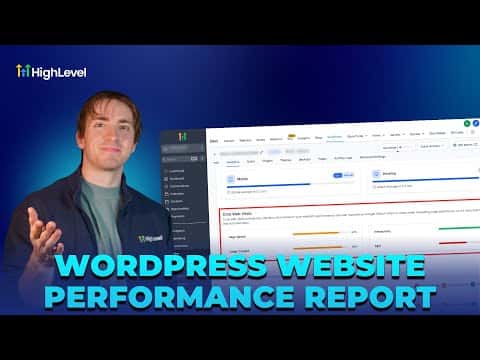
GoHighLevel's WordPress performance report pulls page speed scores, Core Web Vitals, and a full page health audit into one dashboard. Open Sites, pick your WordPress site, navigate to Analytics, then click Fetch Report. You get separate scores for desktop and mobile, a list of items to fix immediately, items to consider fixing, and items that already pass. All data lives inside GoHighLevel so you never need a separate tool.

Watch it, then build it

Get the full platform free for 30 days

That walkthrough runs on GoHighLevel. Start it free through RocketLauncher and you get 30 days instead of the usual 14, the whole platform unlocked, plus our setup help and a community of thousands of builders in 47+ countries.

30 days, not 14Full platform, nothing held backFree community and setup help

We earn a referral commission if you keep GoHighLevel after the trial. It never changes your price.

Summary. GoHighLevel includes a built-in performance report for WordPress sites hosted on the platform. After fetching the report, the dashboard shows page speed scores for both desktop and mobile, Core Web Vitals breakdowns, and a page health audit that flags JavaScript issues, image delivery problems, CSS file usage, and unused CSS. The tool centralizes all site analytics in one place without requiring third-party speed testing services.


Want the full picture? Read more about the GoHighLevel funnel builder.

Related tutorials

Did You Know You Can Turn an AI Draft into a Live Lead Funnel?
Did You Know You Can Turn an AI Draft into a Live Lead Funnel?2:03 · Funnels & Websites
How to Manage Files Effectively in Your Mobile Media Library
How to Manage Files Effectively in Your Mobile Media Library3:47 · Funnels & Websites
How to Analyze Funnel and Website Traffic by Country
How to Analyze Funnel and Website Traffic by Country2:58 · Funnels & Websites
How To Include WordPress Sites in HighLevel Snapshots
How To Include WordPress Sites in HighLevel Snapshots1:29 · Funnels & Websites
How to Optimize Your Website Using Browser and IP Analytics
How to Optimize Your Website Using Browser and IP Analytics4:08 · Funnels & Websites
How to Update PHP Versions on Your WordPress Site in HighLevel
How to Update PHP Versions on Your WordPress Site in HighLevel1:30 · Funnels & Websites

Watch it, then build it

Get the full platform free for 30 days

30 days, not 14Full platform, nothing held backFree community and setup help

Frequently asked questions

Where do I find the WordPress performance report in GoHighLevel?

Go to Sites, WordPress, then Manage Website, and open the Analytics tab.

Does the report show both mobile and desktop scores?

Yes, separate scores appear for desktop and mobile in every section.

What does the page health section check?

It flags JavaScript, image delivery, CSS usage, and unused CSS as pass, consider, or fix.

Back to all Funnels & Websites tutorials