
Video library
GoHighLevel Reporting and Dashboard Tutorials
These tutorials cover dashboards and reporting in GoHighLevel. You learn to build custom dashboard widgets, customize dashboard themes, and install the live chat widget so you and your clients can track activity and offer support. A clear dashboard turns raw account data into decisions. Start with the dashboard overview, then add the widgets that match the numbers you care about most.
Updated June 2, 2026
All Reporting & Dashboards tutorials
 8:07How to Create and Install a Live Chat Widget in GoHighLevel22K views
 8:40How to Set Up the GoHighLevel Chat Widget as Client Support8.6K views
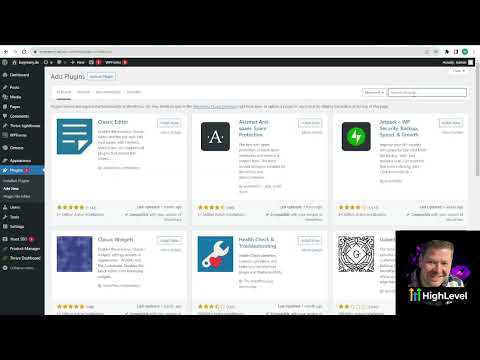 3:15How to Install the GoHighLevel Chat Widget on WordPress with Lead Connector7.6K views
 8:03How to Create Custom Dashboard Widgets in GoHighLevel6.6K views
 1:47How to Customize Dashboard Themes in GoHighLevel4.1K views
 5:21GoHighLevel Dashboard Overview: What Each Section Means3.6K views
 2:02How to Embed External Content on GoHighLevel Dashboards3.4K views
 5:57How to Create Custom QR Codes in GoHighLevel3.3K views
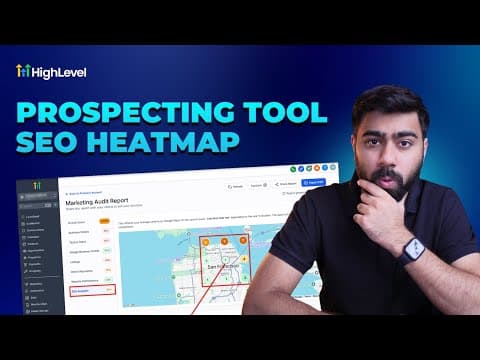 4:05How to Use GoHighLevel's SEO Heatmap in Prospecting Reports1.5K views
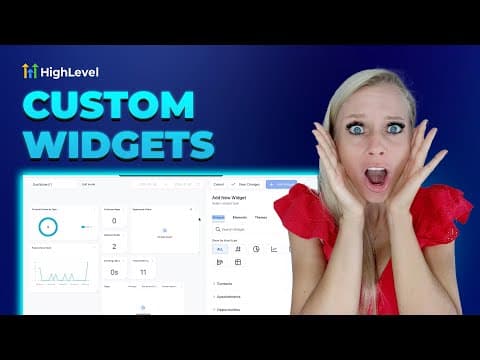 10:09GoHighLevel Dashboard Widgets: A Complete Guide to Every Category1K views
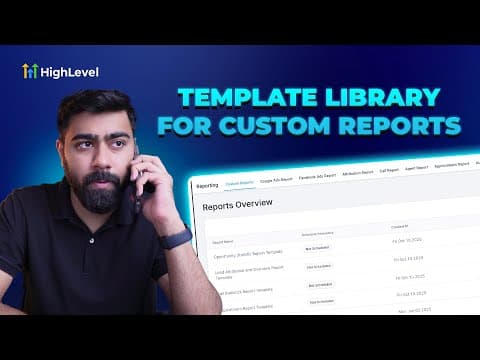 5:41How to Create Report and Dashboard Templates in GoHighLevel894 views
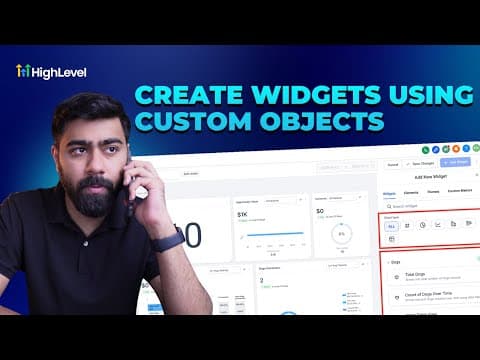 3:00How to Visualize Custom Objects Data in GoHighLevel Dashboards676 views
 3:01How to Create Branded Dashboards in GoHighLevel672 views
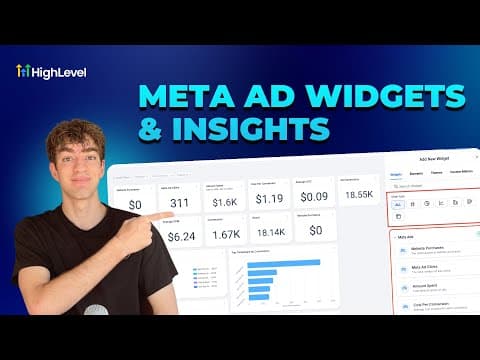 2:27How to Use Meta Ad Widgets in GoHighLevel Dashboards637 views
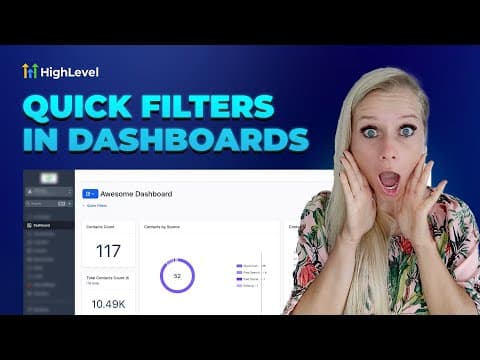 4:15How to Use Quick Filters on GoHighLevel Dashboards376 views
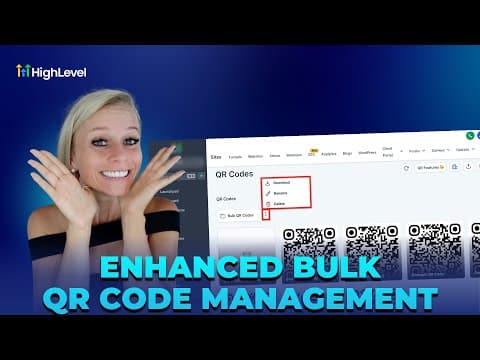 4:16How to Bulk Manage QR Codes in GoHighLevel264 views
Related topics
- CRM, Contacts & Lead GenRun the CRM: tags, custom fields, inbound webhooks, owners, smart lists, and opportunities across your pipelines.
- Social MediaRun social from one place: Facebook Ads, the Conversions API, Messenger campaigns, UTM attribution, and Instagram shop integration.
- Workflows & AutomationBuild workflows from triggers and actions: spam management, Facebook and Instagram automation, the chat widget, and conversions back to the ads platform.
Questions people ask
Can I build custom dashboards in GoHighLevel?
Yes. You add custom widgets to show the metrics that matter to your business.
Can I change how the dashboard looks?
Yes. Dashboard themes let you restyle the dashboard for your brand.
What does the live chat widget do?
It adds a chat box to your site so visitors can message you directly.
Can clients see their own dashboards?
Yes. Each sub-account has its own dashboard scoped to that client data.