RocketLauncher AI

Reporting & Dashboards

GoHighLevel Dashboard Widgets: A Complete Guide to Every Category

By Marnix Geerkens. Published 2025-09-10. Updated 2026-06-02.

GoHighLevel dashboard widgets pull CRM data into a single view, covering contacts, appointments, opportunities, pipeline value, email campaign stats, call activity, conversation volume, payment totals, and visitor data. Each widget supports multiple chart types including numeric, donut, bar, line, and table. Categories and predefined metrics make it fast to find what you need without building from scratch.

Watch it, then build it

Get the full platform free for 30 days

That walkthrough runs on GoHighLevel. Start it free through RocketLauncher and you get 30 days instead of the usual 14, the whole platform unlocked, plus our setup help and a community of thousands of builders in 47+ countries.

30 days, not 14Full platform, nothing held backFree community and setup help

We earn a referral commission if you keep GoHighLevel after the trial. It never changes your price.

Summary. This tutorial covers every category of GoHighLevel dashboard widgets, from contacts and appointments to calls, conversions, payments, and visitor data. It also explains the Elements tab for adding titles, images, text blocks, and embed widgets, and touches on the Themes panel for changing the visual style of the entire dashboard.
Related tutorials

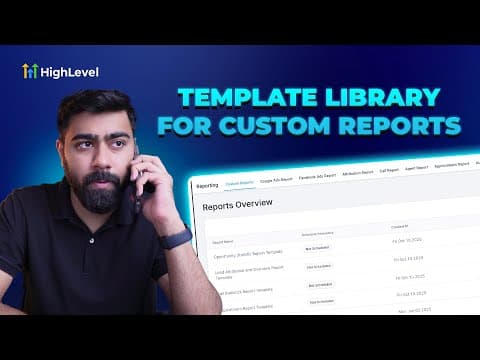
How To Create Report and Dashboard Templates in HighLevel
How To Create Report and Dashboard Templates in HighLevel5:41 · Reporting & Dashboards
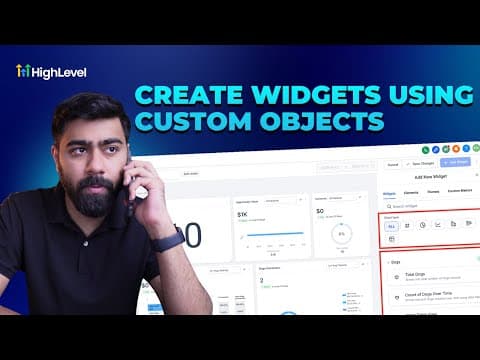
How To Visualize Data with Custom Objects in HighLevel Dashboards
How To Visualize Data with Custom Objects in HighLevel Dashboards3:00 · Reporting & Dashboards
Did You Know You Can Create Branded Dashboards with HighLevel?
Did You Know You Can Create Branded Dashboards with HighLevel?3:01 · Reporting & Dashboards
How To Use Meta Ad Widgets in HighLevel: Step by Step Dashboard Setup and Insights
How To Use Meta Ad Widgets in HighLevel: Step by Step Dashboard Setup and Insights2:27 · Reporting & Dashboards
How To Leverage HighLevel's SEO Heatmap for Better Business Ranking Reports
How To Leverage HighLevel's SEO Heatmap for Better Business Ranking Reports4:05 · Reporting & Dashboards
How to Use Quick Filters to Improve Your Dashboard Efficiency
How to Use Quick Filters to Improve Your Dashboard Efficiency4:15 · Reporting & Dashboards

Watch it, then build it

Get the full platform free for 30 days

30 days, not 14Full platform, nothing held backFree community and setup help

Frequently asked questions

What widget categories are available in GoHighLevel dashboards?

Contacts, appointments, opportunities, visitor data, emails, calls, conversations, payments, and general.

Can I show data as a table instead of a chart?

Yes. When adding a widget, select Table from the chart type options.

What are Elements in the dashboard widget panel?

Elements let you add titles, text blocks, images, and embeds to organize and annotate your dashboard layout.

Can I filter a widget to show only a specific metric like average call duration?

Yes. Select the widget, then choose from the available metrics such as average, sum, minimum, maximum, or count.

Back to all Reporting & Dashboards tutorials