Reporting & Dashboards
How to Use Quick Filters on GoHighLevel Dashboards
By Marnix Geerkens. Published 2025-09-24. Updated 2026-06-02.
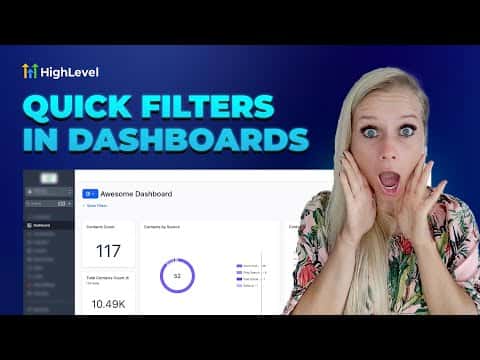
Quick filters in GoHighLevel let individual users slice dashboard data by fields like assigned user, appointment status, or opportunity stage without needing edit permissions on the dashboard itself. Each person's filter selections are saved to their own browser session, so one person filtering by a specific team member does not affect what anyone else sees. Quick filters work alongside existing widget-level filters using AND logic.
Watch it, then build it
Get the full platform free for 30 days
That walkthrough runs on GoHighLevel. Start it free through RocketLauncher and you get 30 days instead of the usual 14, the whole platform unlocked, plus our setup help and a community of thousands of builders in 47+ countries.
30 days, not 14Full platform, nothing held backFree community and setup help
We earn a referral commission if you keep GoHighLevel after the trial. It never changes your price.
Summary. GoHighLevel's quick filter feature gives dashboard viewers the ability to narrow data by contacts, appointments, or opportunities without touching the underlying dashboard configuration. Filters are personal and session-based, meaning each user sets their own and they reset between sessions. Admins configure which filter fields are available, and users with view-only access can apply but not modify those options.

Related tutorials
Watch it, then build it
Get the full platform free for 30 days
30 days, not 14Full platform, nothing held backFree community and setup help
Frequently asked questions
Do quick filters affect what other users see on the same dashboard?
No, quick filter selections are saved per user and do not change the view for others.
How many quick filters can I add to a dashboard?
The current maximum is five quick filters per dashboard.
What happens when a quick filter conflicts with a widget-level filter?
Both apply together using AND logic, so data must match both conditions to appear.