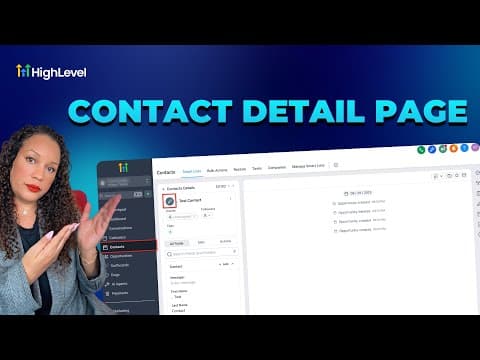
CRM, Contacts & Lead Gen
How to Use Smart List 2.0 and List View in GoHighLevel
By Marnix Geerkens. Published 2025-11-03. Updated 2026-06-02.
Smart List 2.0 in GoHighLevel lets you build saved contact segments using filter conditions, then switch to List View to see every matching contact in a flat, sortable table instead of cards. The combination gives you a fast way to find, review, and act on specific groups of contacts without building a report from scratch each time.
Watch it, then build it
Get the full platform free for 30 days
That walkthrough runs on GoHighLevel. Start it free through RocketLauncher and you get 30 days instead of the usual 14, the whole platform unlocked, plus our setup help and a community of thousands of builders in 47+ countries.
30 days, not 14Full platform, nothing held backFree community and setup help
We earn a referral commission if you keep GoHighLevel after the trial. It never changes your price.
Summary. Smart lists are saved searches inside GoHighLevel's Contacts section. Version 2.0 adds a List View toggle that presents filtered results as a table, making it easier to scan large sets of contacts, sort by any column, and take bulk actions. Once a smart list is saved, it updates automatically whenever the underlying contact data changes.
Related tutorials
Watch it, then build it
Get the full platform free for 30 days
30 days, not 14Full platform, nothing held backFree community and setup help
Frequently asked questions
What is a Smart List in GoHighLevel?
A saved filter that automatically shows contacts matching your chosen conditions.
What does List View add compared to the default card view?
A sortable table layout that shows more contacts at once and supports column-based scanning.