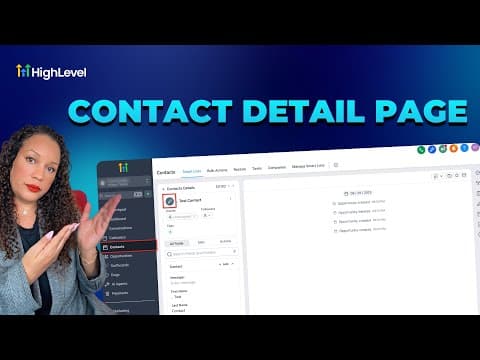
CRM, Contacts & Lead Gen

How to Use Smart List 2.0 and List View in GoHighLevel

Smart List 2.0 in GoHighLevel lets you build saved contact segments using filter conditions, then switch to List View to see every matching contact in a flat, sortable table instead of cards. The combination gives you a fast way to find, review, and act on specific groups of contacts without building a report from scratch each time.

Atualizado em 2 de junho de 2026

1:50

Resumo. Smart lists are saved searches inside GoHighLevel's Contacts section. Version 2.0 adds a List View toggle that presents filtered results as a table, making it easier to scan large sets of contacts, sort by any column, and take bulk actions. Once a smart list is saved, it updates automatically whenever the underlying contact data changes.


Perguntas frequentes

What is a Smart List in GoHighLevel?

A saved filter that automatically shows contacts matching your chosen conditions.

What does List View add compared to the default card view?

A sortable table layout that shows more contacts at once and supports column-based scanning.

Crie com quem já criou.

Entre na comunidade gratuita: lives semanais, um curso para começar e criadores no seu idioma.

Entre de graça no Skool