CRM, Contacts & Lead Gen
How to Launch a Google Ads Search Campaign in GoHighLevel
By Marnix Geerkens. Published 2025-09-18. Updated 2026-06-02.
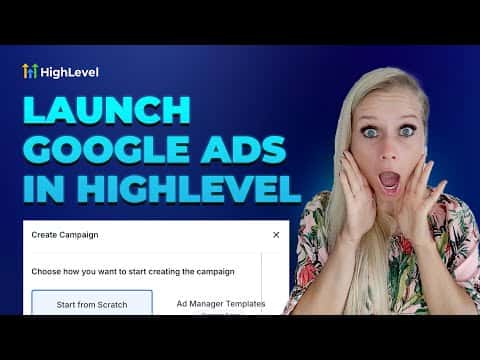
GoHighLevel includes a Google Ads integration so you can create and manage search campaigns without leaving the platform. Connect your Google Ads account, write your ad copy, add positive and negative keywords, set a daily budget and target location, then publish. Campaign performance metrics including impressions, clicks, and cost per conversion appear in the Statistics tab alongside your other ad data.
Watch it, then build it
Get the full platform free for 30 days
That walkthrough runs on GoHighLevel. Start it free through RocketLauncher and you get 30 days instead of the usual 14, the whole platform unlocked, plus our setup help and a community of thousands of builders in 47+ countries.
30 days, not 14Full platform, nothing held backFree community and setup help
We earn a referral commission if you keep GoHighLevel after the trial. It never changes your price.
Summary. Running Google search ads from inside GoHighLevel means you manage Facebook and Google campaigns in the same place. After connecting a Google Ads account through Settings, the Campaigns tab gains a Create Campaign option where you define headlines, descriptions, keywords, budget, and audience targeting. Once live, the Statistics tab shows a breakdown by platform and lets you filter by date range and drill into individual campaign performance.
Steps
Connect your Google Ads account
Click the Settings icon in the ads section, then Connect Account. Select your Google account, grant Lead Connector the required permissions, and choose the correct ad account from the dropdown.
Create a new campaign
Go to the Campaigns tab and click Create Campaign in the top right. Select Google Campaign and choose to build from scratch or start from a template.
Define your ad content
Enter the destination URL, write up to three sets of headlines and descriptions, and add both positive keywords (what triggers your ad) and negative keywords (what excludes your ad).
Set budget and targeting
Enter your daily spend limit, choose the target location, and select the language. Review everything, then click Publish.
Related tutorials
Watch it, then build it
Get the full platform free for 30 days
30 days, not 14Full platform, nothing held backFree community and setup help
Frequently asked questions
Where do I view Google Ads performance in GoHighLevel?
Go to the Statistics tab, then select Google from the platform dropdown.
Can I manage both Facebook and Google ads from GoHighLevel?
Yes. Both platforms appear in the same Campaigns area after connecting each account.