 2:21
2:21概要. Running Google search ads from inside GoHighLevel means you manage Facebook and Google campaigns in the same place. After connecting a Google Ads account through Settings, the Campaigns tab gains a Create Campaign option where you define headlines, descriptions, keywords, budget, and audience targeting. Once live, the Statistics tab shows a breakdown by platform and lets you filter by date range and drill into individual campaign performance.
ステップ
Connect your Google Ads account
Click the Settings icon in the ads section, then Connect Account. Select your Google account, grant Lead Connector the required permissions, and choose the correct ad account from the dropdown.
Create a new campaign
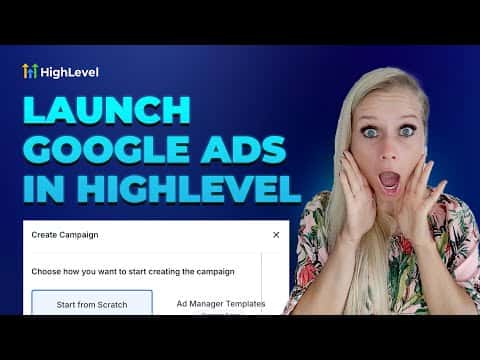
Go to the Campaigns tab and click Create Campaign in the top right. Select Google Campaign and choose to build from scratch or start from a template.
Define your ad content
Enter the destination URL, write up to three sets of headlines and descriptions, and add both positive keywords (what triggers your ad) and negative keywords (what excludes your ad).
Set budget and targeting
Enter your daily spend limit, choose the target location, and select the language. Review everything, then click Publish.