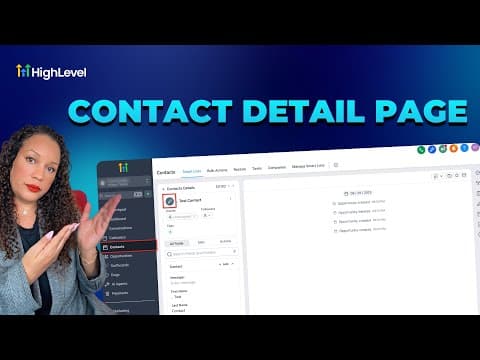
CRM, Contacts & Lead Gen

How to Link Notes Between Contacts and Opportunities in GoHighLevel

GoHighLevel lets you write a note in the Contacts tab and associate it with both the contact record and a related pipeline opportunity at the same time. This means your sales team sees the same note in the deal view that your support team wrote from the contact view, without copying anything. Notes created before this feature was introduced remain unchanged.

2026年6月2日に更新

2:09

概要. When adding a note to a contact in GoHighLevel, a checkbox lets you associate it with one or more linked opportunities as well. The note then appears in both the Contacts tab and the relevant pipeline card, and each view includes a filter to show notes by contact or opportunity. One note can link to one contact and one opportunity. If you need to change the association later, duplicate the note and save it with the correct selection.


よくある質問

Can one note be linked to multiple contacts?

No. Each note can link to one contact and one opportunity at most.

Do old notes get associated automatically?

No. Association options only apply to notes created after the feature was introduced.

Can I change a note's association after saving?

Not directly. Duplicate the note, set the right association, then delete the original.

すでに作った人たちと、一緒に作ろう。

無料コミュニティに参加しましょう。毎週のライブ通話、最初に見るコース、あなたの言語のビルダーがいます。

Skoolに無料で参加