RocketLauncher AI

CRM, Contacts & Lead Gen

GoHighLevel Contact Features: What You Need to Know

By Marnix Geerkens. Published 2026-01-15. Updated 2026-06-02.

GoHighLevel's Contacts section is more than a list of names. It ties together communication history, tags, custom fields, pipeline stages, tasks, and appointments in one place. Knowing where each feature lives and how they connect saves time every day and keeps your team working from the same record.

Watch it, then build it

Get the full platform free for 30 days

That walkthrough runs on GoHighLevel. Start it free through RocketLauncher and you get 30 days instead of the usual 14, the whole platform unlocked, plus our setup help and a community of thousands of builders in 47+ countries.

30 days, not 14Full platform, nothing held backFree community and setup help

We earn a referral commission if you keep GoHighLevel after the trial. It never changes your price.

Summary. The Contacts tab in GoHighLevel is the central record for every person in your CRM. Each contact stores conversation history across SMS, email, and calls, along with attached notes, tasks, appointments, and any custom field data your team captures. From a contact record you can trigger workflows, move deals through a pipeline, and view the full interaction timeline without switching tools.

Related tutorials

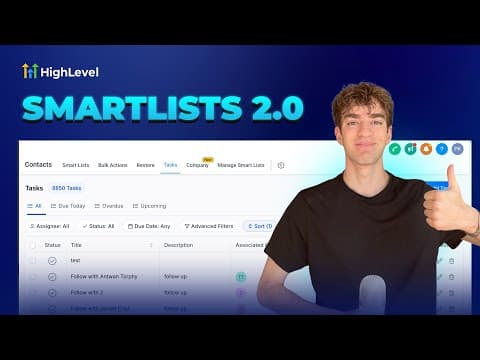
How to Use Smart List 2.0 and List View in HighLevel
How to Use Smart List 2.0 and List View in HighLevel1:50 · CRM, Contacts & Lead Gen
How To Use HighLevel's AI Business Card Scanner
How To Use HighLevel's AI Business Card Scanner2:11 · CRM, Contacts & Lead Gen
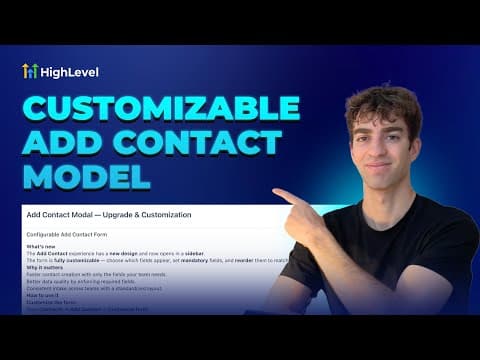
How To Customize the Add Contact Modal in HighLevel
How To Customize the Add Contact Modal in HighLevel2:24 · CRM, Contacts & Lead Gen
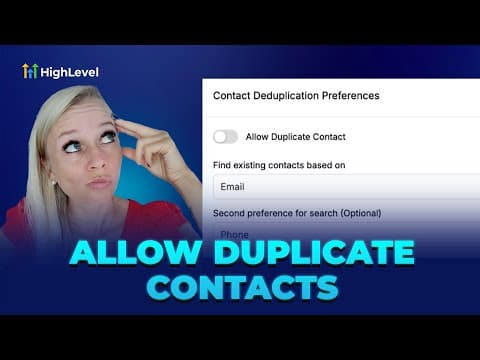
How to Manage Duplicate Contacts in Your CRM System
How to Manage Duplicate Contacts in Your CRM System2:45 · CRM, Contacts & Lead Gen
How to Connect Notes to Contacts and Opportunities Easily
How to Connect Notes to Contacts and Opportunities Easily2:09 · CRM, Contacts & Lead Gen
How to Import Your Entire Shopify Store in Just a Few Clicks
How to Import Your Entire Shopify Store in Just a Few Clicks4:21 · CRM, Contacts & Lead Gen

Watch it, then build it

Get the full platform free for 30 days

30 days, not 14Full platform, nothing held backFree community and setup help

Frequently asked questions

Where do I find a contact's full activity history?

Open the contact record. The timeline on the right shows all messages, calls, and notes.

Can I add custom fields to a contact record?

Yes. Create custom fields under Settings and they appear in every contact's profile.

Back to all CRM, Contacts & Lead Gen tutorials