मेन्यू
RocketLauncher

CRM, Contacts & Lead Gen

GoHighLevel Contact Features: What You Need to Know

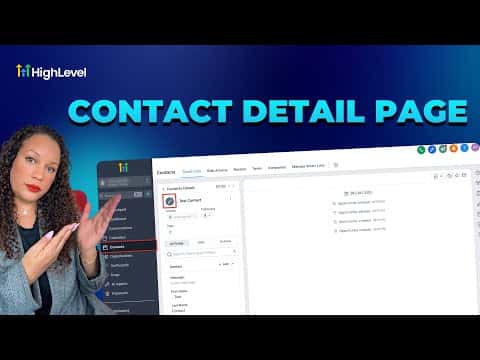
GoHighLevel's Contacts section is more than a list of names. It ties together communication history, tags, custom fields, pipeline stages, tasks, and appointments in one place. Knowing where each feature lives and how they connect saves time every day and keeps your team working from the same record.

अपडेट: 2 जून 2026

5:56

सारांश. The Contacts tab in GoHighLevel is the central record for every person in your CRM. Each contact stores conversation history across SMS, email, and calls, along with attached notes, tasks, appointments, and any custom field data your team captures. From a contact record you can trigger workflows, move deals through a pipeline, and view the full interaction timeline without switching tools.

लोग जो सवाल पूछते हैं

Where do I find a contact's full activity history?

Open the contact record. The timeline on the right shows all messages, calls, and notes.

Can I add custom fields to a contact record?

Yes. Create custom fields under Settings and they appear in every contact's profile.

उन लोगों के साथ बनाएँ जो पहले बना चुके हैं।

फ्री कम्युनिटी से जुड़ें: हर हफ़्ते लाइव कॉल, एक स्टार्ट-हियर कोर्स और आपकी भाषा में बोलने वाले बिल्डर्स।

Skool पर फ्री जुड़ें