
Video library
GoHighLevel Email Tutorials
These tutorials cover email sending in GoHighLevel. You learn to set up a dedicated email domain, configure LC Email, connect Mailgun, send from multiple domains, create an unsubscribe link, and route replies. Getting the sending setup right is what keeps your email out of the spam folder. Start with a dedicated domain, then test deliverability before you send to your full list.
Updated June 2, 2026
All Email tutorials
 10:53How to Set Up a Dedicated Email Domain in GoHighLevel33K views
 2:07How to Create an Unsubscribe Link in GoHighLevel20K views
 10:51How to Set Up an LC Email Dedicated Domain in GoHighLevel16K views
 5:01How to Send from Multiple Domains in GoHighLevel LC Email13K views
 2:00How to Configure Email Replies in Mailgun for GoHighLevel13K views
 5:58How to Set Up Mailgun with Google Domains for GoHighLevel12K views
 2:33How to Connect Mailgun to GoHighLevel11K views
 6:23How to Build Emails in the GoHighLevel Drag and Drop Email Builder9.9K views
 2:53How to Resubscribe After Unsubscribing from an Email List in GoHighLevel8.2K views
 10:39How to Set Up Email Reply and Forwarding in GoHighLevel7.6K views
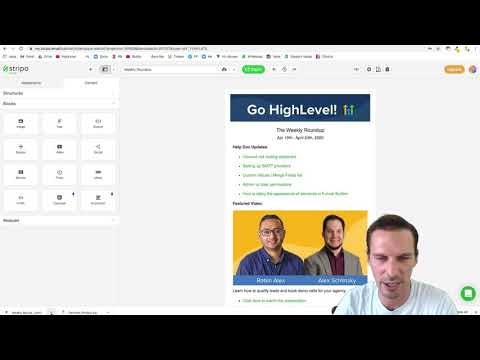 3:31How to Build Formatted HTML Emails for GoHighLevel6.3K views
 5:46How to Bulk Verify Email Addresses in GoHighLevel5.5K views
 3:54How to Enable UTM Tracking for Email Campaigns in GoHighLevel5.3K views
 4:12How to Set Up Mailgun Using Cloudflare in GoHighLevel5.3K views
 2:22How to Activate Auto-Confirmation Emails for Form Submissions in GoHighLevel4.6K views
 3:08How to Use Trigger Links in GoHighLevel Emails4.2K views
 11:35Build and Send Emails with the GoHighLevel Drag-and-Drop Builder4.2K views
 4:10How to Create a Custom Unsubscribe Link in GoHighLevel4.1K views
 1:56How to Use SMTP Credentials for LC Email Dedicated Domains in GoHighLevel3.8K views
 5:11How to Create Abandoned Cart Emails for Shopify in GoHighLevel3.6K views
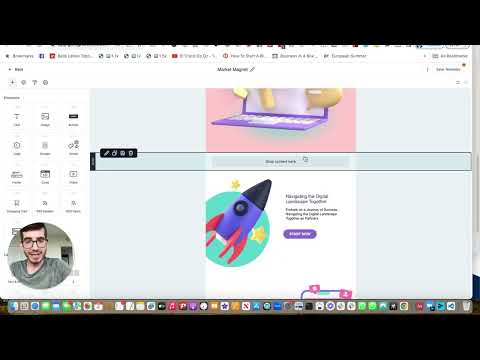 5:02How to Build Custom Proposal Email Templates in GoHighLevel3.3K views
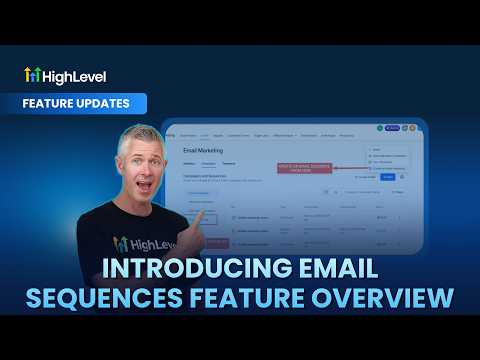 3:25GoHighLevel Email Sequences: Feature Overview2.3K views
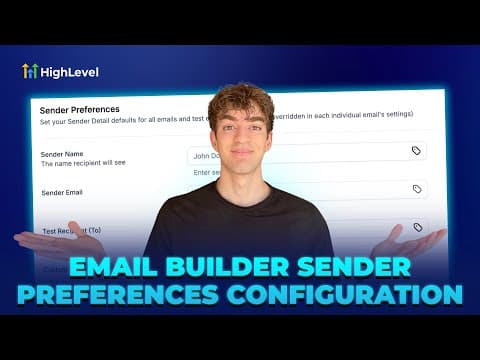 1:42How to Set Up Sender Preferences in GoHighLevel Email Builder1.1K views
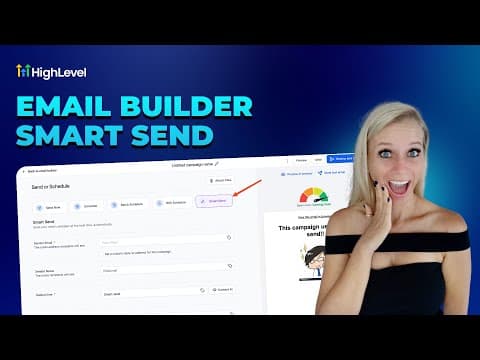 2:25How to Use Smart Send to Optimize Email Timing in GoHighLevel753 views
 8:13Automated Email List Segmentation in GoHighLevel for Higher Open Rates661 views
 4:53How to Use GoHighLevel Marketing Audit Reports to Deliver Client Value623 views
 3:11One GoHighLevel Workflow to Get More From Your Email Marketing622 views
 6:57How to Use the Inbound Email Trigger in GoHighLevel Workflows598 views
 2:30Auto Reply to Emails with AI in GoHighLevel Conversation AI584 views
 4:21How to Customize System Emails in GoHighLevel518 views
 2:32How to Use GoHighLevel Template Library for Branded Review Request Emails400 views
 1:58Split Test Email Subject Lines in GoHighLevel to Boost Open Rates368 views
 2:28How to Optimize Email Campaigns with GoHighLevel Smart Send366 views
 3:58GoHighLevel Can Email Leads the Second They Submit a Form312 views
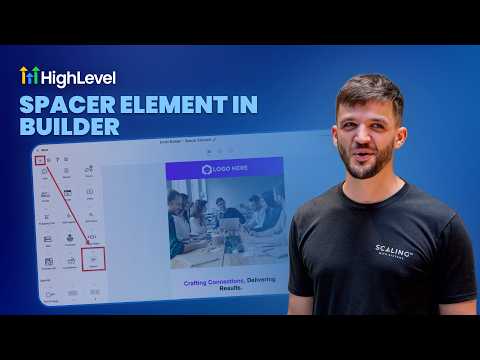 2:39How to Use the GoHighLevel Spacer Element for Better Email Layout232 views
 1:41How to Export Email Marketing Data in GoHighLevel213 views
 2:18How to Optimize Email Timing in GoHighLevel with AI Schedule190 views
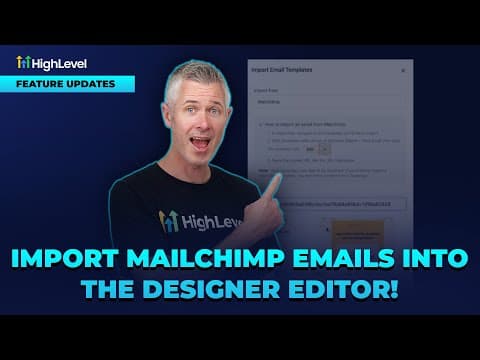 1:16How to Import Mailchimp Emails into the GoHighLevel Designer Editor171 views
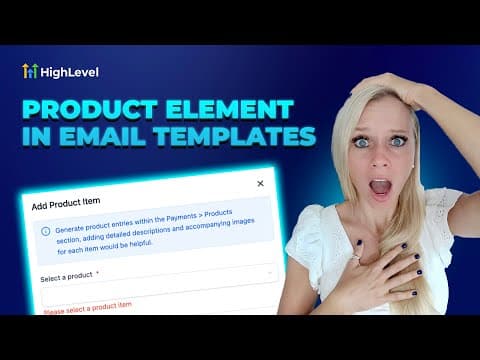 2:53How to Add Product Elements to Ecommerce Emails in GoHighLevel170 views
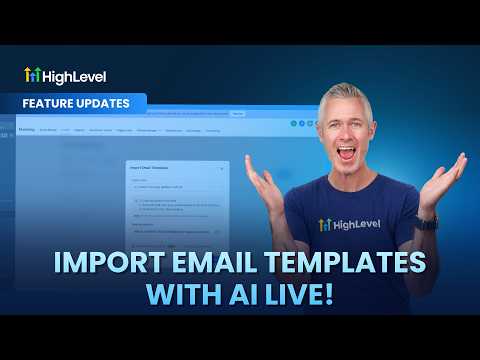 2:03How to Import Email Templates with AI in GoHighLevel133 views
Related topics
- SMS & PhoneRun texting and calls: missed call text back, ringless voicemail, the power dialer, call tracking with number pools, and SMS templates.
- Domains & SetupConnect domains the right way: root and sub-domains, WWW forwarding, Cloudflare page rules, and a dedicated IP address.
- Workflows & AutomationBuild workflows from triggers and actions: spam management, Facebook and Instagram automation, the chat widget, and conversions back to the ads platform.
Questions people ask
Why do I need a dedicated email domain?
A dedicated domain protects your sender reputation and keeps email out of spam.
What is LC Email?
LC Email is the built-in sending service in GoHighLevel, billed by usage.
Can I send from more than one domain?
Yes. LC Email lets you send from multiple verified domains in one account.
How do I add an unsubscribe link?
You insert the unsubscribe element so every email includes a working opt-out.
Do I still need Mailgun?
You can use Mailgun, but most accounts now run on LC Email instead.