How to Import Email Templates with AI in GoHighLevel
By Marnix Geerkens. Published 2026-03-16. Updated 2026-06-02.
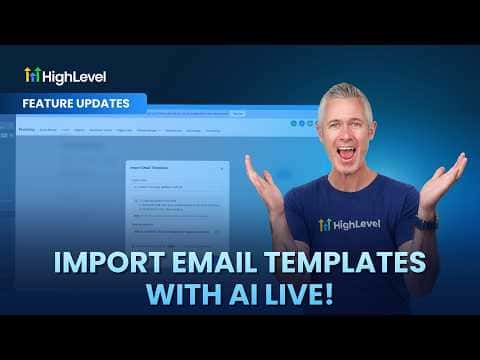
GoHighLevel's AI import feature converts any email, from any platform, into a fully editable template inside the drag-and-drop builder. You forward the email to a special address that the system generates, and AI reconstructs it as an editable layout rather than a locked HTML file. No manual rebuilding, no copying code, just forward and edit.
Watch it, then build it
Get the full platform free for 30 days
That walkthrough runs on GoHighLevel. Start it free through RocketLauncher and you get 30 days instead of the usual 14, the whole platform unlocked, plus our setup help and a community of thousands of builders in 47+ countries.
30 days, not 14Full platform, nothing held backFree community and setup help
We earn a referral commission if you keep GoHighLevel after the trial. It never changes your price.
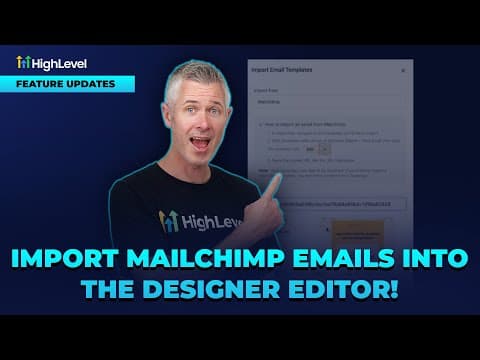
Summary. This feature lets you bring existing emails from any sending platform into GoHighLevel by forwarding them to a system-generated address. AI processes the incoming email and recreates it as a drag-and-drop compatible template that you can rename and edit right away. The imported result is fully live in the designer, not a static snapshot.
Steps
Enable the feature in Labs
The AI email import must be turned on in the Labs section of your account settings before the option appears.
Get the import email address
Inside Marketing, Emails, click the 'Import with AI' option. GoHighLevel generates a unique inbox address for your account.
Forward the email
Take any email you want to import and forward it to the address GoHighLevel gave you. You can also instruct the original sender to send directly to that address.
Wait for AI processing
Click Continue inside GoHighLevel and the system waits for the incoming email. Processing typically takes a few minutes.
Open and edit the result
Once complete, the template appears in your library. Open it in the designer to rename it and make any changes you need.
Related tutorials
Watch it, then build it
Get the full platform free for 30 days
30 days, not 14Full platform, nothing held backFree community and setup help
Frequently asked questions
Which email platforms does this work with?
Any platform, since you are just forwarding a standard email message.
Is the imported template editable or just HTML?
It is fully editable in the drag-and-drop designer, not locked HTML.
Where do I turn on AI email import?
Enable it in the Labs section of your GoHighLevel account settings first.